Quick answer
Feature Pages vs Use-Case Pages For SaaS Websites
Use SaaS feature pages for specific capabilities buyers search for or compare. Use use-case pages for audience, workflow, or scenario questions. The strongest architecture links both page types so product detail and buyer context support each other.
Features and use cases answer different questions
Use feature pages when buyers search for or evaluate a capability. Use use-case pages when buyers need to understand a scenario, audience, or workflow outcome.
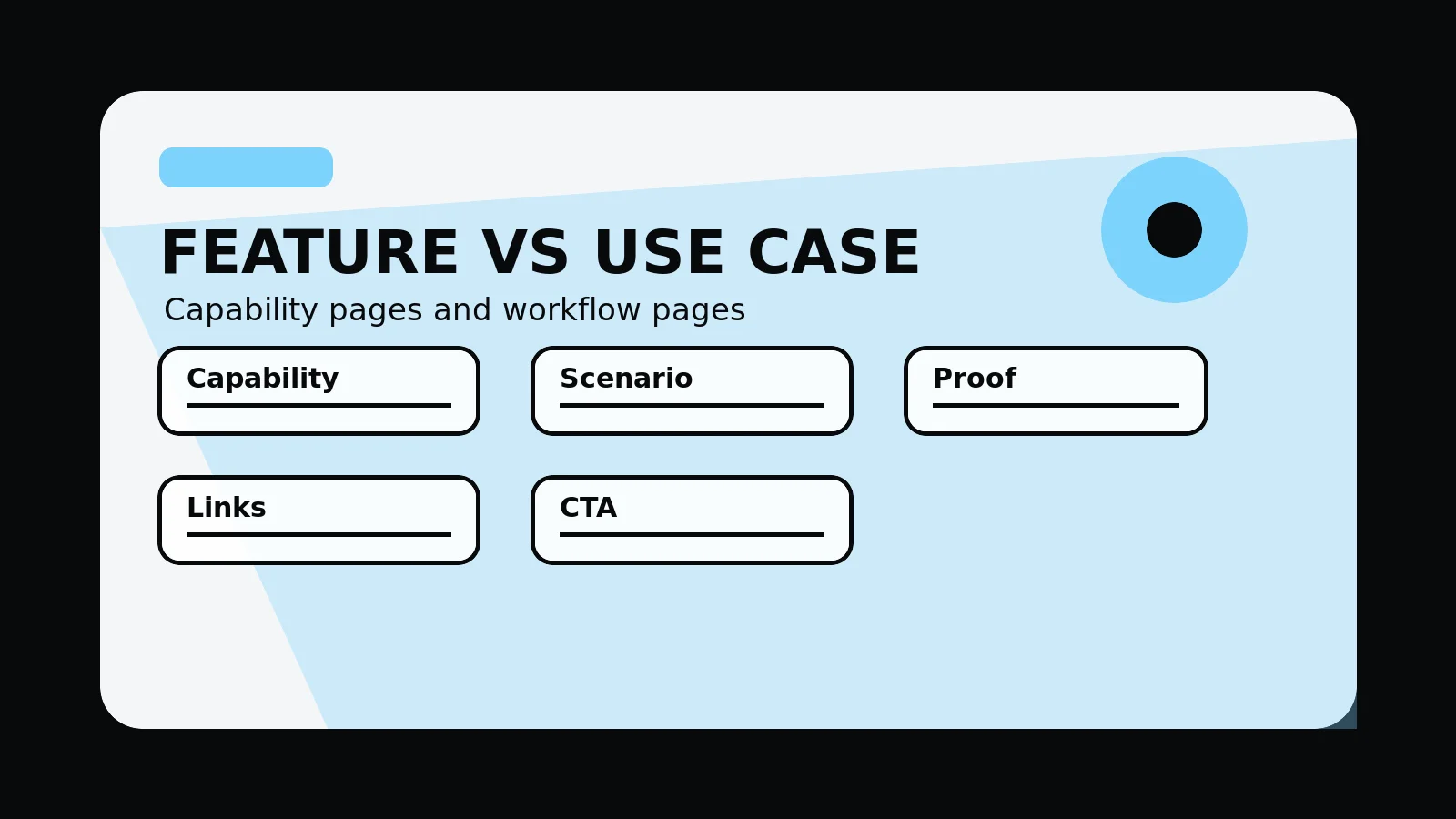
A feature page explains capability. A use-case page explains why that capability matters in a specific workflow, audience, or buying scenario.
Send your product routes and we will mark which should be feature pages, use-case pages, or combined pages.
Get a 3-point project reviewChoose the page type by intent
Use these rules to decide when a separate feature page, use-case page, or combined page will give buyers the clearest route.
- Feature page: capability, workflow, screenshot, integration, FAQ
- Use-case page: audience, problem, scenario, value, supporting detail, CTA
- Link features to use cases and use cases back to relevant features
- Avoid separate pages when content would be thin
- Use demo CTAs after supporting detail and explanation
detail for the feature-use-case split
Bring these inputs so the page map is based on actual product supporting detail, search demand, and demo-path needs.
- Feature/use-case matrix
- Search intent map
- Screenshot list
- Internal link plan
- Demo path review
SaaS page type decision
- Feature intent: buyers search for or compare a specific capability.
- Use-case intent: buyers need a workflow, audience, or scenario explained.
- supporting detail: screenshots, integrations, limits, and outcomes are specific enough to support the page.
- Internal links: features and use cases connect without creating duplicate routes.
- CTA: demo, trial, pricing, or product route matches the buyer stage.
Common mistakes to avoid
- Creating separate pages when the content would be thin.
- Writing feature pages as lists without workflow or supporting detail.
- Writing use-case pages that never show the product.
What 760 Studios would review first
- Which page type each topic needs
- Where feature and use-case pages duplicate each other
- How internal links should connect the product story
Questions this article answers
What belongs on a SaaS feature page?
A feature page should explain the capability, workflow, screenshot or supporting detail, limits, integrations, related use cases, FAQs, and the next action.
What belongs on a SaaS use-case page?
A use-case page should explain the audience, problem, scenario, workflow value, relevant features, supporting detail, pricing or demo context, and next step.
Can one page cover a feature and a use case?
Yes, when the topic is narrow and separate pages would repeat each other. Split them only when intent, content, and supporting detail are distinct.
How should these pages link together?
Feature pages should link to relevant use cases, and use-case pages should link back to the product capabilities that make the workflow possible.