Quick answer
Next.js Vs WordPress For Business Websites
Next.js is usually the better structured fit when a business site needs a custom frontend, high design control, structured metadata, reusable page systems, integrations, and disciplined deployment. WordPress can be the better route when editorial independence and plugin-supported publishing matter more than custom frontend control.
The better platform depends on the operating model
Next.js and WordPress can both support committed business websites. The right choice depends less on platform preference and more on who will edit the site, how custom the frontend needs to be, what integrations are in scope, and how the site will evolve.
A platform decision should start with the commercial job of the website: explain the offer, support search visibility, load quickly, convert enquiries, and stay maintainable after launch.
- Who owns day-to-day content edits
- How bespoke the design system and page templates need to be
- Whether the site needs integrations, forms, portals, or app-like routes
- Performance, security, hosting, and maintenance expectations
- Budget, timeline, and internal technical ownership
Send the brief and we will identify whether a custom Next.js build or a simpler CMS route better fits the job.
Get a 3-point project reviewWhen Next.js is the better structured fit
Next.js is often better structured when the website needs a highly controlled frontend, performance-conscious templates, custom data handling, or tight integration with product and marketing systems.
It suits teams that want a composed buyer experience, reusable components, structured deployment, and room to extend the website into portals, dashboards, or application flows.
- Custom design systems and precise responsive layouts
- Fast static or server-rendered marketing pages
- Reusable page components across services, case studies, locations, and articles
- Integrations with APIs, CRMs, product data, or bespoke workflows
- Version-controlled development, preview deployments, and durable QA
When WordPress is the safer fit
WordPress can be the safer choice when editors need familiar publishing tools, the site is content-heavy but technically conventional, and the business wants a mature plugin ecosystem.
It is strongest when the project does not need a bespoke application-style frontend and the team values editorial independence over custom engineering flexibility.
- Frequent content editing by non-technical users
- working rule marketing pages, blog publishing, and media management
- Existing WordPress skills, hosting, plugins, or editorial workflows
- Lower custom development needs
- A plain maintenance owner for updates, plugins, security, and backups
How to choose without platform bias
The wrong choice usually comes from choosing a platform before defining the website job. A small service site may not need a custom frontend, while a complex SaaS or B2B site may outgrow a theme-and-plugin build quickly.
Make the decision from scope: page types, content ownership, supporting detail needs, forms, search requirements, integrations, performance targets, and the team that will maintain the site.
Platform fit scorecard
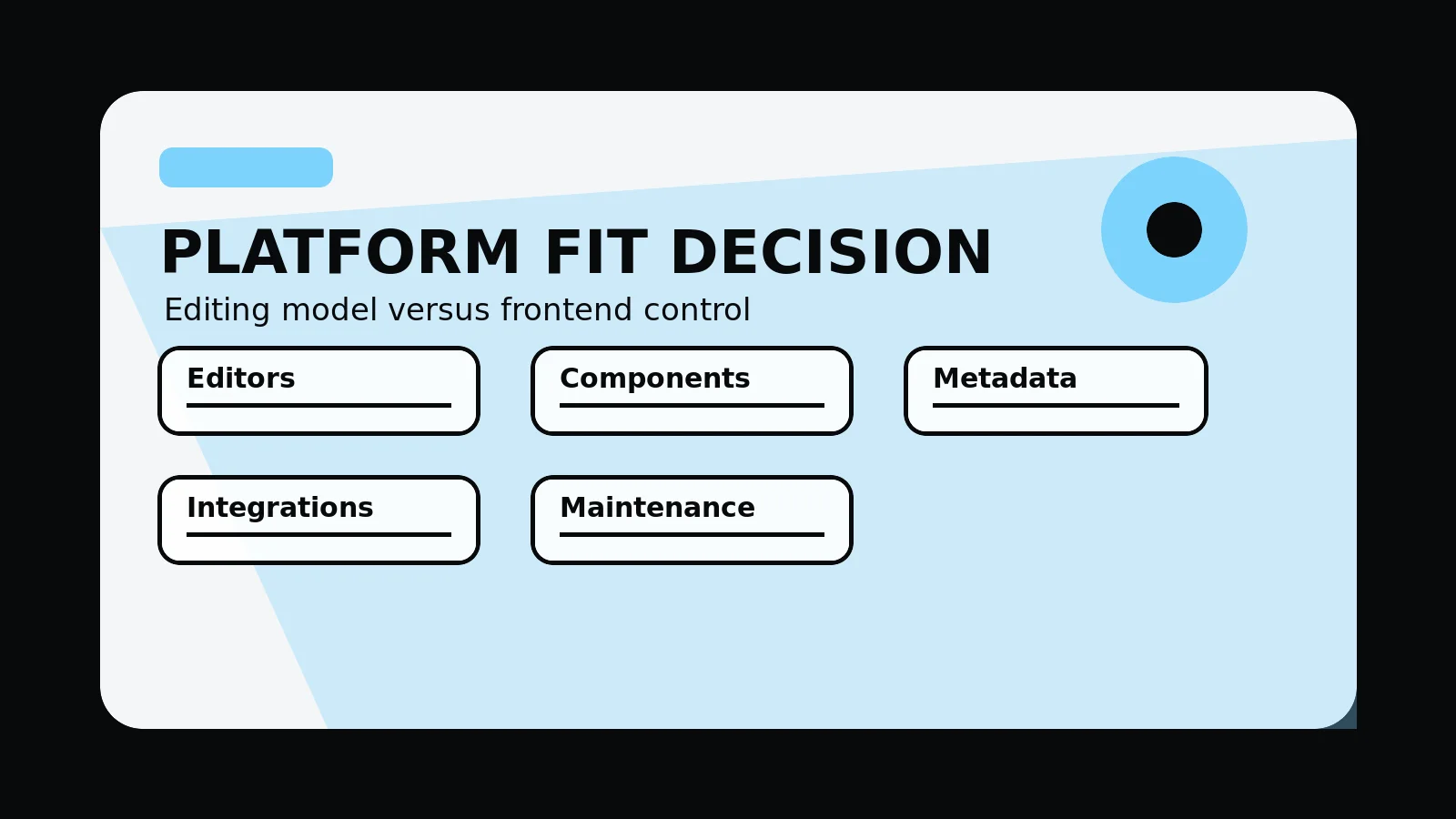
- Editing model: who changes pages, how often, and how much publishing independence they need.
- Frontend needs: how bespoke the design system, responsive layouts, and page templates need to be.
- Technical scope: forms, CRM, APIs, dashboards, gated content, product data, or application-style routes.
- Performance and QA: hosting, preview deployments, Core Web Vitals risk, accessibility checks, and release controls.
- Maintenance: ownership for content, dependencies, security, backups, analytics, and post-launch improvements.
Common mistakes to avoid
- Choosing Next.js because it sounds more advanced when the site only needs simple editorial publishing.
- Choosing WordPress because it is familiar when the project needs custom frontend behaviour or integration depth.
- Comparing platform names before agreeing page jobs, content ownership, budget, and launch responsibilities.
What 760 Studios would review first
- Platform fit against scope
- Content editing and maintenance ownership
- Frontend, integration, and QA complexity
Questions this article answers
Is Next.js always better than WordPress for business websites?
No. Next.js is better for custom frontend control and structured builds; WordPress is better when non-technical publishing autonomy is the main requirement and the site can stay within plugin and theme constraints.
When should a business choose Next.js?
Choose Next.js when the project needs fast server-rendered pages, reusable components, controlled metadata, preview deployments, app-style routes, integrations, or a frontend that should not be limited by a theme.
When should a business choose WordPress?
Choose WordPress when content editors need familiar publishing workflows, the site structure is straightforward, and the business accepts plugin, hosting, maintenance, and performance tradeoffs.
What decision should come before platform choice?
Define the page jobs, content ownership, SEO needs, design depth, integrations, maintenance route, and launch checks first. The platform should fit those requirements, not lead them.