Quick answer
Performance Budget For A Next.js Website
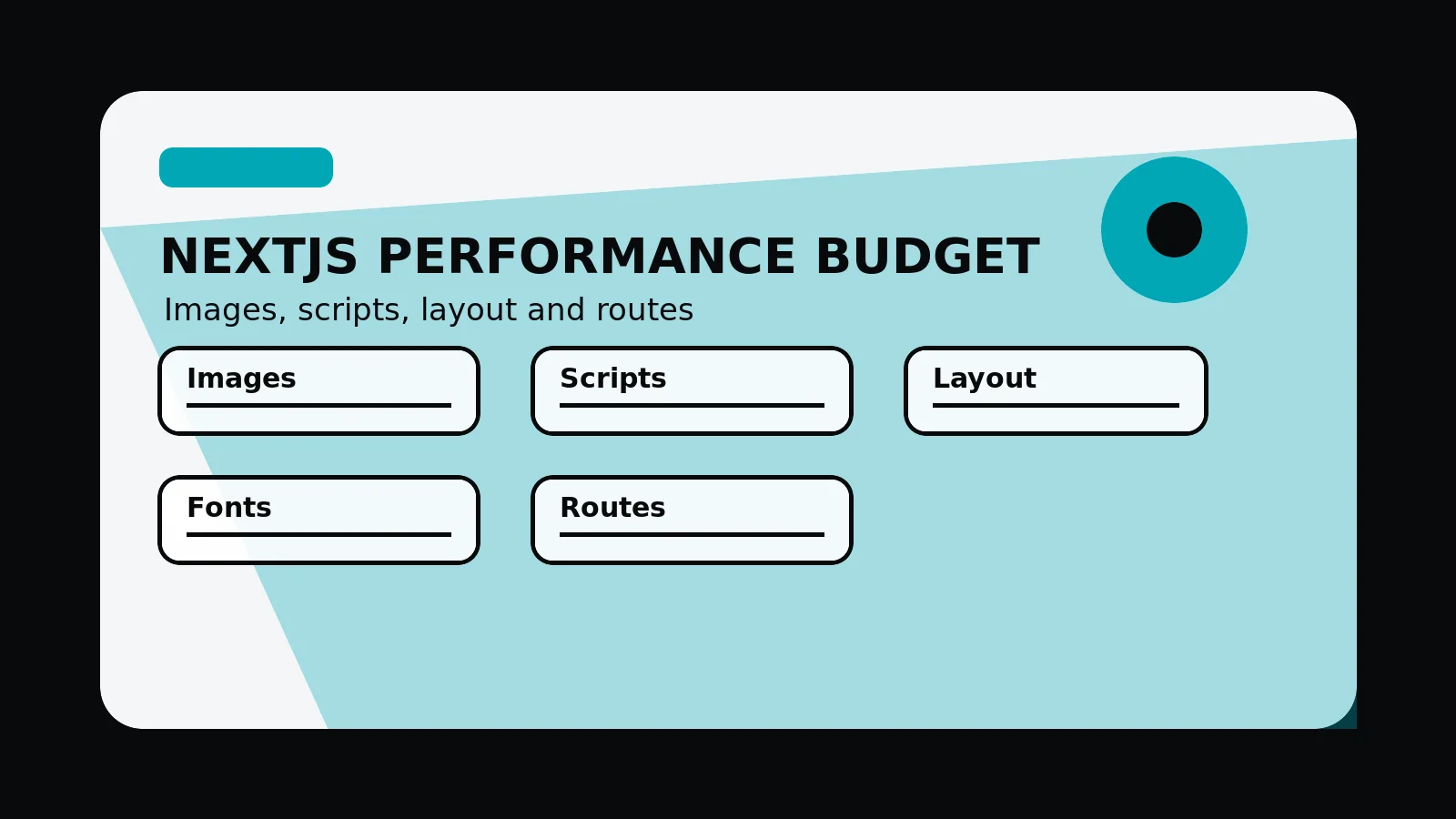
A Next.js performance budget sets limits for images, JavaScript, fonts, layout stability, third-party scripts, and priority routes so visual ambition does not overwhelm speed, mobile usability, or Core Web Vitals risk.
A performance budget sets design constraints early
A Next.js performance budget should limit unnecessary client JavaScript, control images, reserve layout dimensions, keep fonts stable, check Core Web Vitals risk, and test priority routes.
The budget gives teams permission to make strong visual choices while limiting the image, script, layout, and third-party decisions that slow priority routes.
Send the heaviest routes and we will identify a practical performance budget for the site.
Get a 3-point project reviewBudget by route and resource type
Use these limits to keep important pages fast enough without reducing the site to a bland template.
- Server-render marketing content by default
- Keep client components intentional
- Optimise hero and repeated images
- Reserve dimensions for media and cards
- Limit third-party scripts
- Test mobile first viewport and key CTAs
detail for budget review
Collect these checks so performance conversations reference route behaviour, not general opinions about speed.
- Bundle review
- Image inventory
- Layout shift checklist
- Mobile screenshots
- Priority route performance notes
Next.js performance budget
- Images: planned sizes, formats, priority media, and repeated card images.
- JavaScript: client components, third-party scripts, analytics, and interactive features.
- Layout: reserved dimensions for media, cards, toolbars, and dynamic content.
- Fonts: loading strategy, fallback behaviour, and readable type scales.
- Routes: priority pages tested on mobile before and after launch.
Common mistakes to avoid
- Setting performance targets after visual design is locked.
- Adding client components for static marketing content.
- Testing only the homepage while service and article routes carry heavier content.
What 760 Studios would review first
- Image and script budget risks
- Layout shift sources
- Priority route performance checks
Questions this article answers
What should a performance budget include?
Include limits or review rules for images, JavaScript, fonts, third-party scripts, layout stability, route weight, and priority mobile interactions.
Should every page have the same budget?
No. The homepage, service pages, pricing routes, articles, and app-like routes may need different budgets based on page purpose and media needs.
How can design stay high-end within a budget?
Use art direction, responsive images, reserved dimensions, server-rendered content, restrained animation, and reusable components instead of heavy decoration.
When should the budget be checked?
Check it during design, during frontend build, before production, and after deployment on representative mobile routes.