Quick answer
SaaS Website Architecture: Homepage, Features, Use Cases, Pricing And Demo
SaaS website architecture should help buyers understand the product category, workflow, features, use cases, integrations, supporting detail, pricing logic, demo expectations, and sales handoff before they request a call or start a trial.
SaaS architecture should explain the product before the demo
A SaaS website usually needs a homepage, product overview, feature pages, use-case pages, integrations, security or trust content, pricing, demo or trial route, supporting detail, FAQs, and sales handoff.
Buyers need to understand category, workflow, fit, supporting detail, pricing logic, and demo expectations before they give up time for a call.
Send the product page list and we will identify whether features, use cases, pricing, and demo routes are doing distinct jobs.
Get a 3-point project reviewPlan SaaS routes by buyer intent
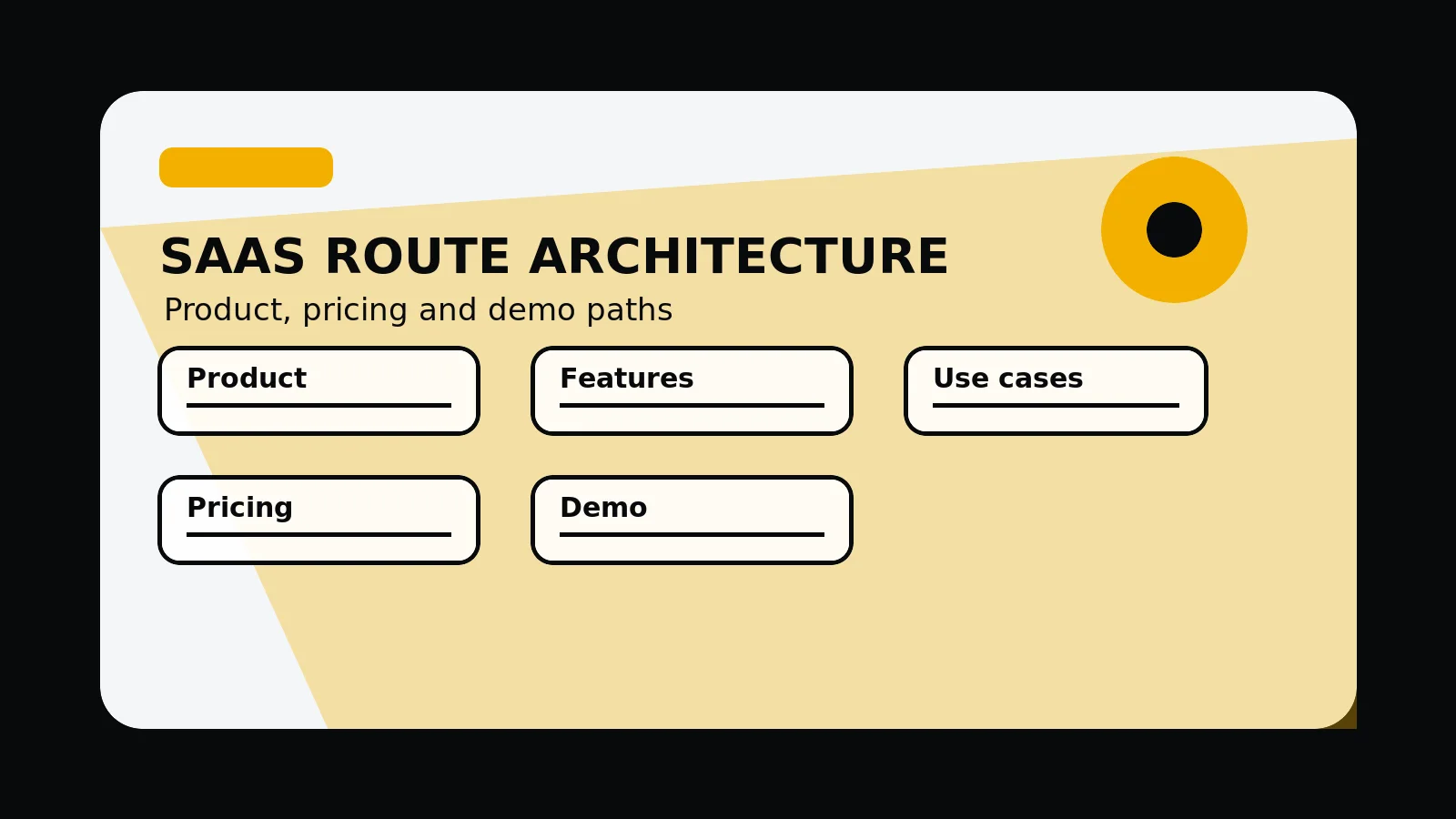
Use these route types to separate product understanding, feature evaluation, use-case relevance, pricing context, and sales handoff.
- Homepage explains category, value, and primary CTA
- Product overview shows how the product works
- Feature pages explain capabilities
- Use-case pages match buyer scenarios
- Pricing explains plan logic or sales route
- Demo route sets expectations
Inputs for the SaaS sitemap
Gather these assets before expanding pages so screenshots, integrations, security notes, and demo copy support the same product story.
- SaaS sitemap
- Feature and use-case matrix
- Demo CTA map
- Screenshot checklist
- Integration and security notes
SaaS route architecture
- Homepage: category, value, ICP, supporting detail cue, and primary action.
- Product overview: workflow, screenshots, integrations, security, and adoption path.
- Feature pages: capability, use, detail, limits, and related routes.
- Use-case pages: audience, workflow, problem, supporting detail, and demo context.
- Pricing and demo: plan logic, enterprise route, form expectations, and sales handoff.
Common mistakes to avoid
- Sending every product question to a demo before explaining fit.
- Creating feature pages and use-case pages that repeat each other.
- Hiding pricing logic, implementation needs, or security concerns too late in the journey.
What 760 Studios would review first
- Feature and use-case route split
- Pricing and demo friction
- Product supporting detail gaps before contact
Questions this article answers
What pages should a SaaS website include?
Most SaaS sites need a homepage, product overview, feature pages, use-case pages, integrations or security content, pricing, demo or trial route, supporting detail, FAQs, and contact or sales handoff.
When should feature pages be separate?
Feature pages should be separate when buyers search for or evaluate that capability and there is enough supporting detail, workflow context, and internal linking to justify the route.
Why does pricing context matter in SaaS architecture?
Pricing context helps buyers understand fit, plan logic, scale, implementation, and whether they should self-serve, start a trial, or speak to sales.
What makes a SaaS demo route better structured?
A better structured demo route explains who the product fits, what the demo covers, what information is needed, and what happens after the request.