Quick answer
Web Design Brief Template For Proper Projects
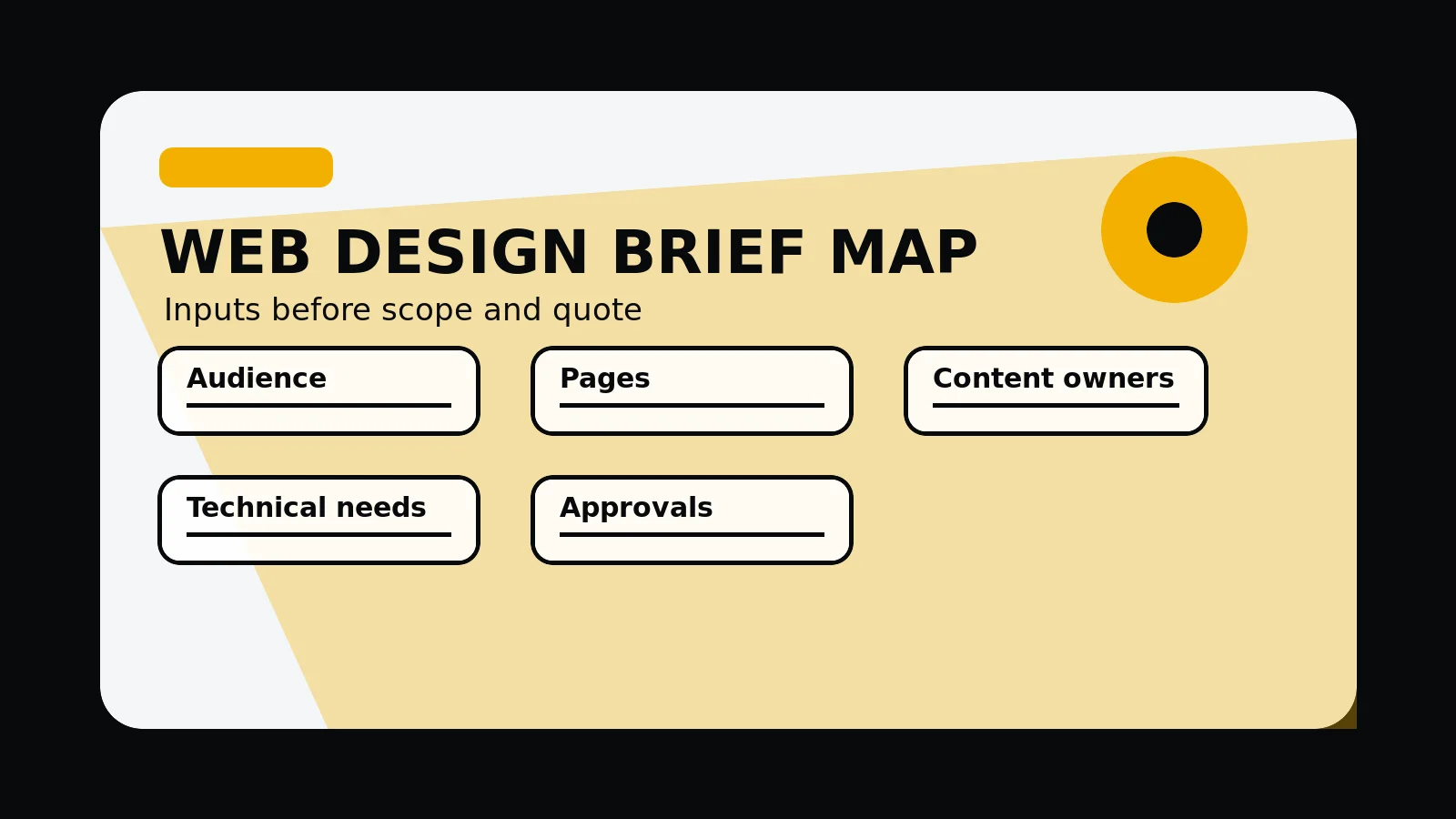
A web design brief should turn business context into scope decisions. It should define the audience, offer, page list, content owners, supporting detail assets, technical needs, budget range, timeline, approvals, risks, and what the first useful next step should be.
A brief should reduce uncertainty
A useful web design brief does not need to solve the project before the agency sees it. It should explain the business, audience, current site, project reason, decision constraints, and what a successful launch needs to make easier to understand.
The better structured the brief, the easier it is to compare proposals. A vague brief usually produces vague pricing, missing assumptions, weak timelines, and too much room for avoidable scope change.
- What the business does and who the website must help
- Why the current site, brand, or page system needs to change
- Which routes, services, products, locations, or buyer journeys matter most
- What content, supporting detail, assets, and approvals already exist
- Which technical, SEO, accessibility, performance, or integration risks are known
Send the current brief, notes, sitemap, or page list and we will identify what needs clarifying before scope is agreed.
Get a 3-point project reviewThe minimum web design brief template
A committed brief should make the project inspectable. The agency should be able to understand the buyer, the website job, the likely page set, content responsibilities, technical requirements, and the commercial next step.
Use the template as a checklist, not a rigid form. If a section is unknown, mark it as unknown and explain what needs discovery.
- Business context: offer, market, buyer types, competitors, and positioning problem
- Project goal: redesign, new site, ecommerce, SaaS, lead generation, migration, or audit route
- Pages: required routes, priority templates, future content, and pages to protect
- Content and supporting detail: copy owner, images, testimonials, case studies, approvals, and gaps
- SEO and analytics: existing rankings, redirects, sitemap, Search Console, and conversion events
- Technical scope: CMS, forms, CRM, ecommerce, APIs, hosting, accessibility, and performance needs
- Commercial constraints: budget range, timeline, stakeholders, procurement, and launch deadline
Inputs that change scope and pricing
Pricing changes when the project asks for more than design polish. Content production, migration planning, ecommerce logic, custom integrations, application-style routes, multilingual content, or heavy stakeholder review can all change the work.
A brief should call out the unknowns early. That lets the agency recommend an audit, discovery sprint, phased build, or narrower launch scope before quoting a fixed project.
- Number of pages, templates, content states, and review rounds
- Copywriting, photography, brand, illustration, video, or motion requirements
- Existing URLs, redirects, metadata, schema, and search traffic to protect
- Forms, CRM, booking, ecommerce, membership, dashboard, or API requirements
- Compliance, accessibility, performance, security, or browser support needs
- Who signs off structure, copy, design, technical scope, and launch
What not to hide from the agency
The awkward details often matter most. A brief should be honest about delayed content, unresolved stakeholders, unclear budget, technical debt, weak analytics, legacy platforms, and previous project issues.
That honesty does not weaken the project. It helps the agency price the work properly, reduce risk, and decide whether the first step should be a build, audit, discovery phase, or strategic reset.
Web design brief template
- Business: offer, audience, market, competitors, positioning problem, and decision owner.
- Pages: current URLs, required routes, priority templates, content owners, and launch order.
- supporting detail: confirmed testimonials, case studies, screenshots, product assets, and detail gaps.
- Technical: CMS, forms, CRM, ecommerce, APIs, hosting, SEO, accessibility, analytics, and speed needs.
- Project control: budget range, timeline, stakeholders, approvals, risks, non-goals, and next step.
Common mistakes to avoid
- Requesting a fixed quote before the page list, content state, and technical needs are plain.
- Hiding content, stakeholder, migration, or integration risks until after proposal review.
- Treating the brief as a design mood board instead of a scope and decision document.
What 760 Studios would review first
- Page list and scope assumptions
- Content, supporting detail, and technical gaps
- Whether the next step should be audit, discovery, or build
Questions this article answers
What should a web design brief include?
Include business goals, target buyers, current-site issues, required pages, content state, supporting detail assets, brand needs, integrations, SEO requirements, accessibility or performance needs, budget range, timeline, and decision owners.
Why should the brief name non-goals?
Non-goals prevent scope drift. They clarify what the website project will not solve, which integrations are deferred, and which content or functionality belongs in a later phase.
Who should contribute to the brief?
Leadership, sales, marketing, operations, technical owners, and final approvers should contribute because each group sees different risks, content gaps, and buyer questions.
When is a brief not ready for a fixed quote?
A brief is not ready when the page list, content ownership, supporting detail availability, technical dependencies, review process, or launch requirements are still unknown.