Quick answer
Website Audit Checklist Before A Redesign
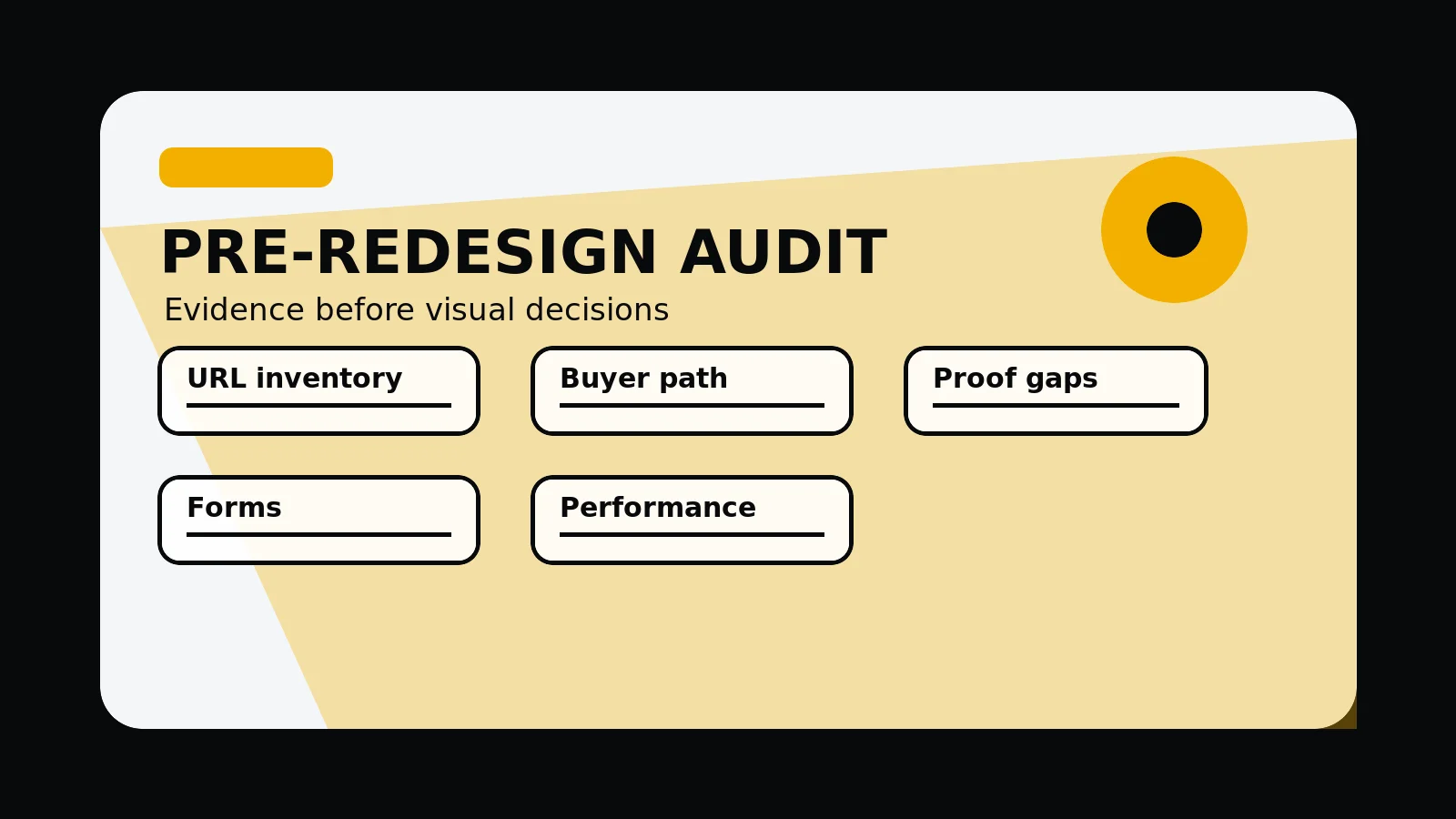
A pre-redesign website audit should decide what to keep, improve, merge, redirect, remove, rewrite, or rebuild. It should connect search signals, buyer journeys, supporting detail, forms, performance, and launch risk into a usable redesign scope.
A useful audit decides what to protect first
A redesign should not start by deleting pages, rewriting navigation, or replacing the homepage without knowing what already works. The audit should identify which assets need protection before the new design plan is confirmed.
That means looking beyond visual taste. A useful audit connects search visibility, page structure, buyer objections, supporting detail, forms, performance, and maintenance risk into one action list.
- Current URL inventory and sitemap comparison
- Pages with traffic, links, enquiries, or sales value
- Messages, supporting detail, FAQs, and pricing cues that buyers need
- Technical SEO, metadata, schema, sitemap, and robots signals
- Forms, analytics, accessibility, speed, and mobile layout risks
Send the current site and we will identify the audit findings that should shape the redesign scope.
Get a 3-point project reviewWhat the audit should include
The strongest audit separates detail from opinion. It records what the site currently says, what users can do, what search engines can crawl, and which changes would create launch risk.
The output should be specific enough to guide scope. A redesign team should know which pages to keep, improve, merge, redirect, remove, rewrite, or rebuild.
- UX review: navigation, first viewport, CTAs, mobile layout, and form routes
- Content review: page jobs, headings, service hierarchy, supporting detail, FAQs, and buyer fit
- SEO review: titles, descriptions, canonicals, internal links, schema, sitemap, and robots
- Performance review: hero media, images, fonts, scripts, layout stability, and third-party code
- Launch review: redirects, unpublished rules, analytics, form delivery, browser QA, and handover
How to turn findings into redesign scope
An audit is only valuable when it changes the plan. Findings should be grouped into blocking issues, redesign requirements, content inputs, supporting detail gaps, and post-launch improvements.
This prevents the redesign from becoming a visual refresh that ignores search risk, broken enquiry paths, weak content, or missing detail.
- Must fix before launch
- Should fix during the redesign
- Can improve after launch
- Needs client detail or review
- Should not be claimed until supporting detail exists
Weak audit warning signs
A weak audit produces a generic score and a list of disconnected tips. A useful audit explains what matters for the business, which routes carry risk, and how the next website should be scoped.
Be cautious when an audit ignores the current URL set, skips forms and mobile checks, recommends new pages without supporting detail, or promises rankings from template-level fixes.
Website audit scope map
- Inventory: current URLs, sitemap entries, unpublished pages, redirects, and pages with visible commercial value.
- Buyer journey: homepage first viewport, service paths, supporting detail placement, pricing cues, contact routes, and form states.
- Search: metadata, canonicals, schema, internal links, crawlable content, robots, and sitemap alignment.
- technical finish: mobile layout, accessibility basics, image handling, scripts, fonts, Core Web Vitals risk, and browser QA.
- Scope output: keep, improve, merge, redirect, remove, rewrite, or rebuild decisions with owners.
Common mistakes to avoid
- Using an automated score as the whole audit instead of connecting findings to redesign decisions.
- Changing URLs or deleting pages before checking traffic, links, enquiries, and content value.
- Publishing audit recommendations that require supporting detail, testimonials, offices, or outcomes the business cannot support.
What 760 Studios would review first
- Current URL and sitemap risk
- First buyer-journey gap to fix
- Which audit findings should become redesign scope
Questions this article answers
What is the purpose of a website audit before redesign?
The purpose is to protect useful assets and expose risks before the new site plan is confirmed. It turns the redesign from a visual preference exercise into a controlled commercial and technical decision.
Which pages should an audit prioritise?
Prioritise pages with traffic, backlinks, enquiries, sales value, supporting detail, service detail, or important internal links. These pages need a plain keep, improve, merge, redirect, or remove decision.
Why is an automated audit score not enough?
Automated tools can find useful issues, but they cannot decide commercial priority, buyer fit, supporting detail execution detail, content ownership, or which fixes should shape redesign scope.
What should an audit handover include?
The handover should include route decisions, content gaps, supporting detail gaps, technical fixes, form risks, mobile concerns, SEO tasks, owners, and a launch checklist.