Quick answer
How To Improve A SaaS Demo CTA Path
Improve a SaaS demo CTA path by preparing the buyer before the click: explain fit, product supporting detail, pricing or plan context, form expectations, and the post-submit handoff. A demo request should feel like a useful next step, not a forced interruption.
A demo CTA path should prepare the buyer
Improve a SaaS demo path by explaining who the product is for, showing product supporting detail, clarifying pricing or plan context, reducing form friction, and explaining what happens after submission.
The CTA works better when the page has already clarified fit, product detail, pricing context, form expectations, and what happens after submission.
Send the demo page and form fields and we will identify where the CTA path loses buyer confidence.
Get a 3-point project reviewReduce friction before and after the click
Use these checks to make the path feel like a useful next step rather than an abrupt request for a meeting.
- Make the primary action visible above the fold
- Repeat CTA after product supporting detail
- Explain demo expectations
- Ask only useful qualification questions
- Offer pricing or plan context where possible
- Route enterprise or custom buyers clearly
Demo-path materials to review
Collect these assets so the page, form, confirmation state, and sales handoff all set the same expectation.
- CTA placement map
- Form field audit
- Demo expectation copy
- Product supporting detail section
- Sales handoff notes
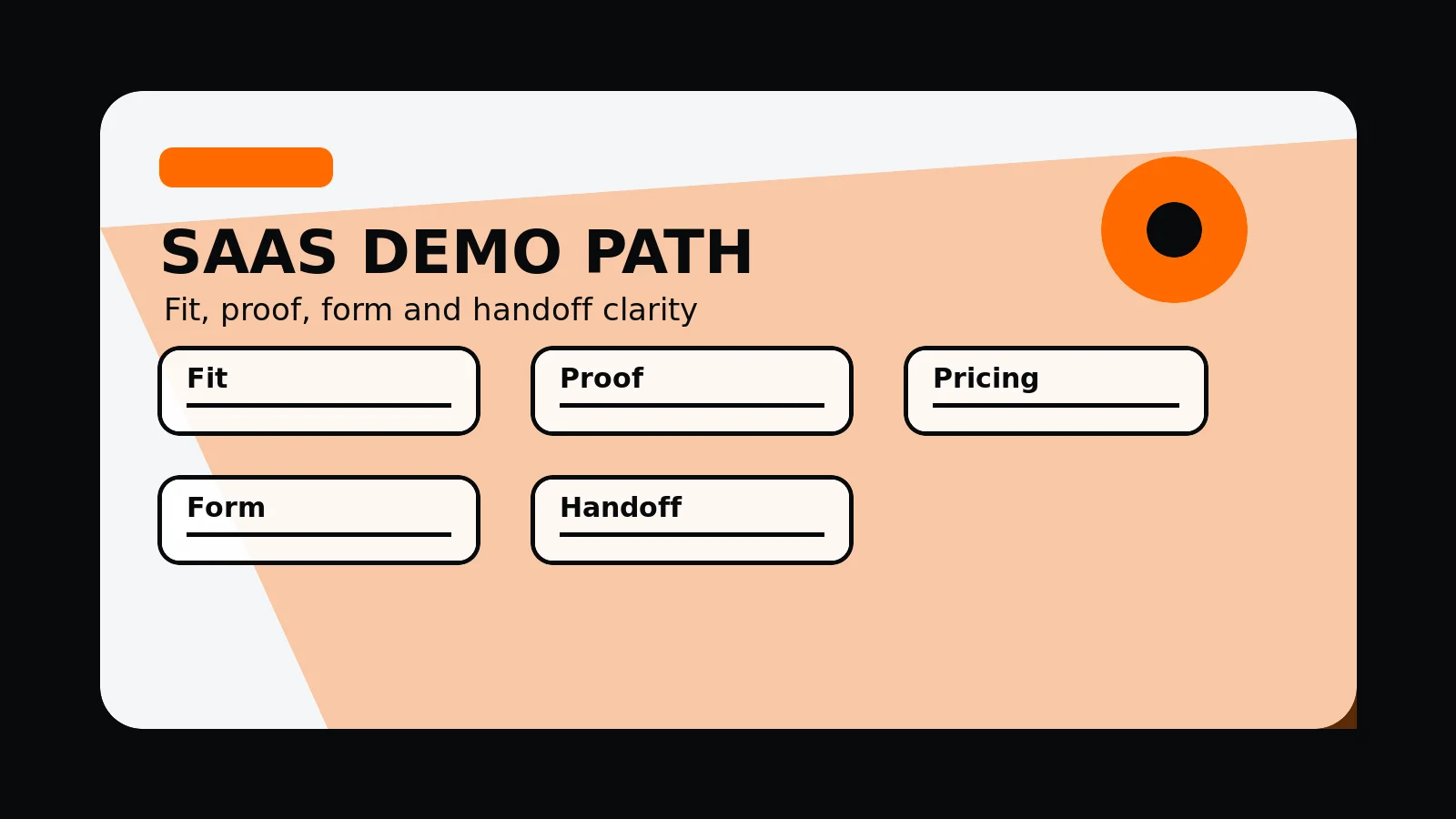
SaaS demo CTA path
- Fit: page explains who the product is for before asking for a meeting.
- supporting detail: screenshots, workflow examples, integrations, or trust cues appear before the CTA.
- Context: pricing, plan, implementation, or enterprise route is not hidden.
- Form: fields ask only for useful qualification information.
- Handoff: confirmation and sales follow-up expectations are plain.
Common mistakes to avoid
- Using a demo CTA as a substitute for product explanation.
- Asking too many form questions before showing enough value.
- Giving no expectation for what happens after submission.
What 760 Studios would review first
- CTA placement and repetition
- Form friction and missing context
- Sales handoff expectations
Questions this article answers
Where should a SaaS demo CTA appear?
Place the primary CTA early for ready buyers, then repeat it after product explanation, supporting detail, pricing context, and FAQs for buyers who need more detail.
How many form fields should a demo request use?
Use only fields that improve qualification or routing. If a field does not change the follow-up, it is probably adding friction.
What should happen after a demo form is submitted?
The confirmation state should explain whether the buyer will receive a calendar link, email response, sales call, qualification step, or other next action.
How does pricing context affect demo CTAs?
Pricing context helps buyers decide whether the product is plausible before they request time. Even without exact prices, explain plan fit and sales route.