Quick answer
Web Design Case Study Template For Credible Project supporting detail
A web design case study should show context, scope, constraints, decisions, detail, and confirmed outcomes without overstating what the project proves. The template should separate public supporting detail from internal notes and unsupported claims.
A case study is detail, not decoration
A strong web design case study helps a buyer understand the project context, the problem, the scope, the decisions, the constraints, and the detail that supports the final work.
It should not be used to imply outcomes that were not measured, name clients without permission, or turn a method example into a live client result.
- Project context and buyer problem
- Scope, services, platform, and launch responsibilities
- Design, content, UX, SEO, and development decisions
- Screenshots, artefacts, or confirmed detail
- Outcomes only where they are accurate and confirmed
Send project notes, screenshots, scope, and review limits and we will identify what can be shown safely.
Get a 3-point project reviewThe minimum case study structure
The safest template starts with a plain-language project summary, then separates challenge, approach, output, detail, and next-step relevance.
This structure works for published client work, internal method detail, archive references, and reference architectures, as long as the label tells the reader what kind of supporting detail they are seeing.
- Project label: client work, archive reference, internal method detail, or example structure
- Challenge: what the website needed to clarify or fix
- Approach: how structure, content, design, and build decisions were made
- Output: pages, systems, assets, templates, or launch checks delivered
- detail boundary: what is proven, what is not, and what needs review
What to include when outcomes are not confirmed
Not every project can publish metrics, client names, testimonials, or commercial outcomes. That does not mean the page has to be empty. It means the case study should show practical project detail instead.
practical project detail can include page architecture, launch checklists, before-and-after content structure, route maps, browser QA notes, screenshot sets, scope tables, or safe archive context.
- confirmed screenshots or redacted interface views
- Page architecture and route map
- Scope and deliverable summary
- UX, SEO, performance, and launch QA notes
- plain language that avoids unsupported results
How to avoid fake supporting detail
The case study should make the detail type visible before the reader has to infer it. A concept, archive, internal system, and live client project should not use the same label.
When supporting detail is limited, be specific about process and deliverables rather than adding vague success language. Buyers can trust plain limits more than inflated claims.
Case study detail template
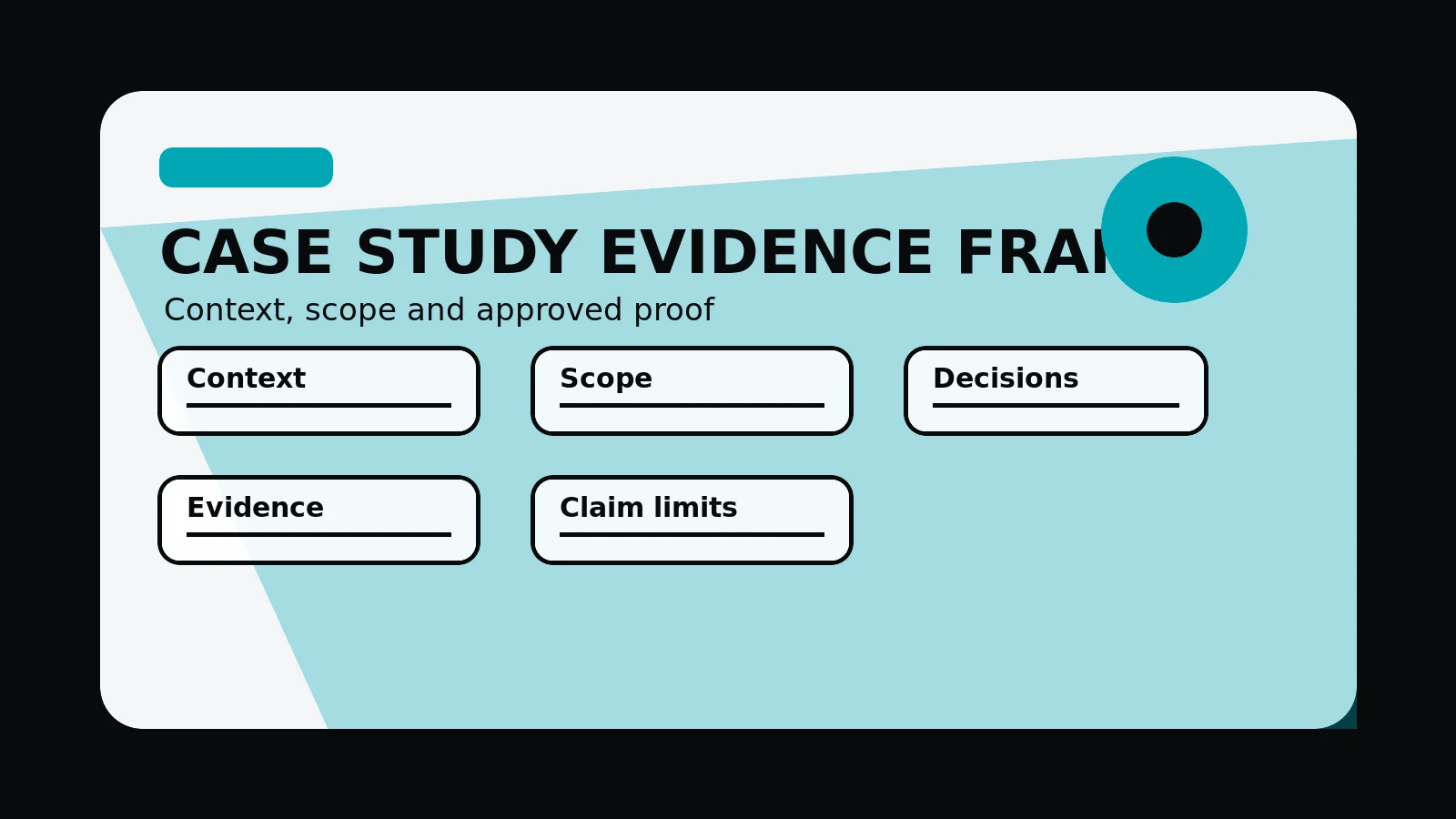
- Label: client work, archive reference, internal method detail, or example structure.
- Context: business type, project goal, audience, constraints, and publishing boundaries.
- Scope: services, pages, systems, content, design, build, SEO, and launch checks included.
- detail: screenshots, route maps, checklists, deliverables, confirmed quotes, or measured outcomes.
- Limits: unsupported metrics, client claims, confidential details, and supporting detail that should stay unpublished.
Common mistakes to avoid
- Using concept or archive work as if it proves current client outcomes.
- Publishing revenue, ranking, conversion, testimonial, or award claims without visible support.
- Showing screenshots, logos, client names, or commercial details before review is plain.
What 760 Studios would review first
- What detail can be published safely
- Which service and work routes should link to the case study
- Which unsupported claims need to be removed before launch
Questions this article answers
What should a web design case study include?
Include project context, business type, problem, audience, scope, services delivered, page or system decisions, detail, confirmed screenshots, launch checks, and plain limits around what is being claimed.
What should be avoided in a case study?
Avoid unapproved client claims, invented metrics, confidential detail, outcome promises, vague before-and-after language, or treating concept work as if it proves live client results.
How can a case study help SEO and AEO?
A useful case study creates crawlable supporting detail around services, sectors, decisions, and project constraints. It can support service pages when internal links and schema match visible content.
When should a project stay unpublished?
Keep a project unpublished when screenshots, client review, detail, confidentiality boundaries, or claim support are unclear. Use internal learning notes instead.