Quick answer
Canonical URLs, Sitemap And Robots: Launch Checklist
Before launch, canonical URLs, sitemap output, robots rules, metadata, headings, and internal links should send one consistent crawl instruction. Priority pages should be public, self-canonical, internally linked, and included in the sitemap.
Launch signals should give one plain instruction
Before launch, priority pages should be self-canonical, indexable, internally linked, and listed in the sitemap. Support or draft pages can be unpublished and omitted from the sitemap.
Canonical URLs, sitemap entries, robots rules, metadata, headings, and internal links should agree before production launch.
Send the staging URL and sitemap and we will identify conflicting crawl signals before launch.
Get a 3-point project reviewCheck crawl signals in one pass
Use these launch checks to find contradictions before crawlers and users encounter them on the public site.
- Check each priority page has a self-canonical
- Confirm sitemap includes only intended indexable routes
- Confirm robots does not block priority pages
- Confirm unpublished pages are not in the sitemap
- Check metadata and headings match page intent
- Test important internal links
Outputs to capture before release
Save these outputs so launch review is based on the generated site, not only the planned route list.
- Sitemap XML
- Robots output
- Canonical crawl
- unpublished route list
- Internal link check
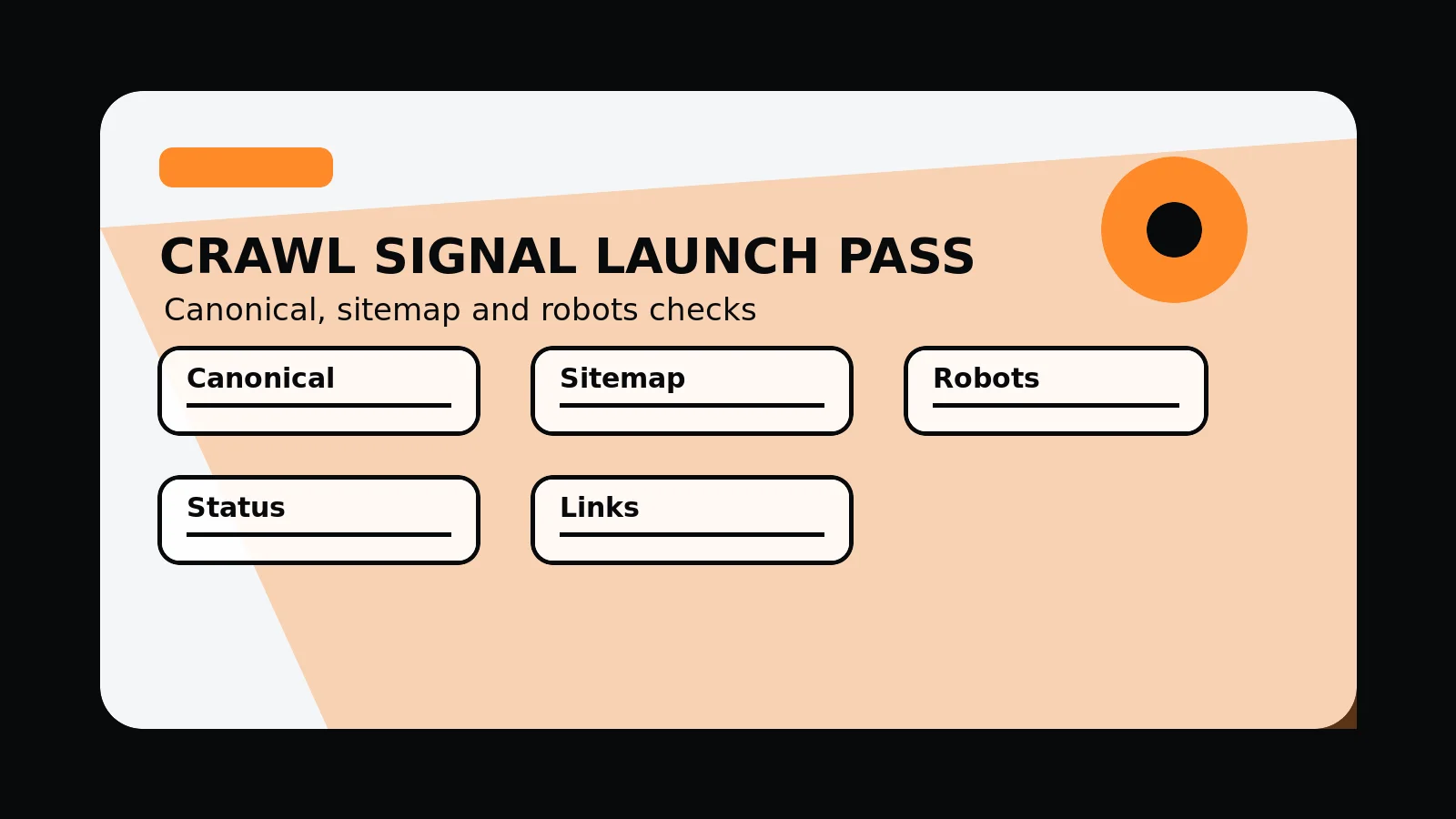
Canonical sitemap robots launch pass
- Canonical: every priority page uses the intended self-canonical URL.
- Sitemap: only intended public canonical routes are listed.
- Robots: important pages are not blocked from crawling.
- Page status: support, draft, and duplicate routes are handled consistently.
- Internal links: navigation and content links point to canonical routes.
Common mistakes to avoid
- Letting sitemap, robots, and canonical signals disagree.
- Leaving old or duplicate routes linked internally after launch.
- Checking crawl files before the production host and redirects are final.
What 760 Studios would review first
- Canonical conflicts
- Sitemap and robots output
- Internal links to non-canonical routes
Questions this article answers
What should be included in a sitemap?
Include public canonical pages that have a plain purpose and are ready for users. Avoid listing drafts, duplicate routes, weak support pages, or redirected URLs.
What does a canonical URL do?
A canonical URL tells crawlers which URL should be treated as the preferred version when similar or duplicate routes exist.
Why check robots rules before launch?
Robots rules can accidentally block important sections or leave low-execution detail routes exposed, so they should be checked against the final page set.
When should this checklist be rerun?
Rerun it after migrations, redesigns, route changes, content pruning, location expansion, and major publishing updates.