Quick answer
Next.js App Router, Metadata, Sitemap And Schema
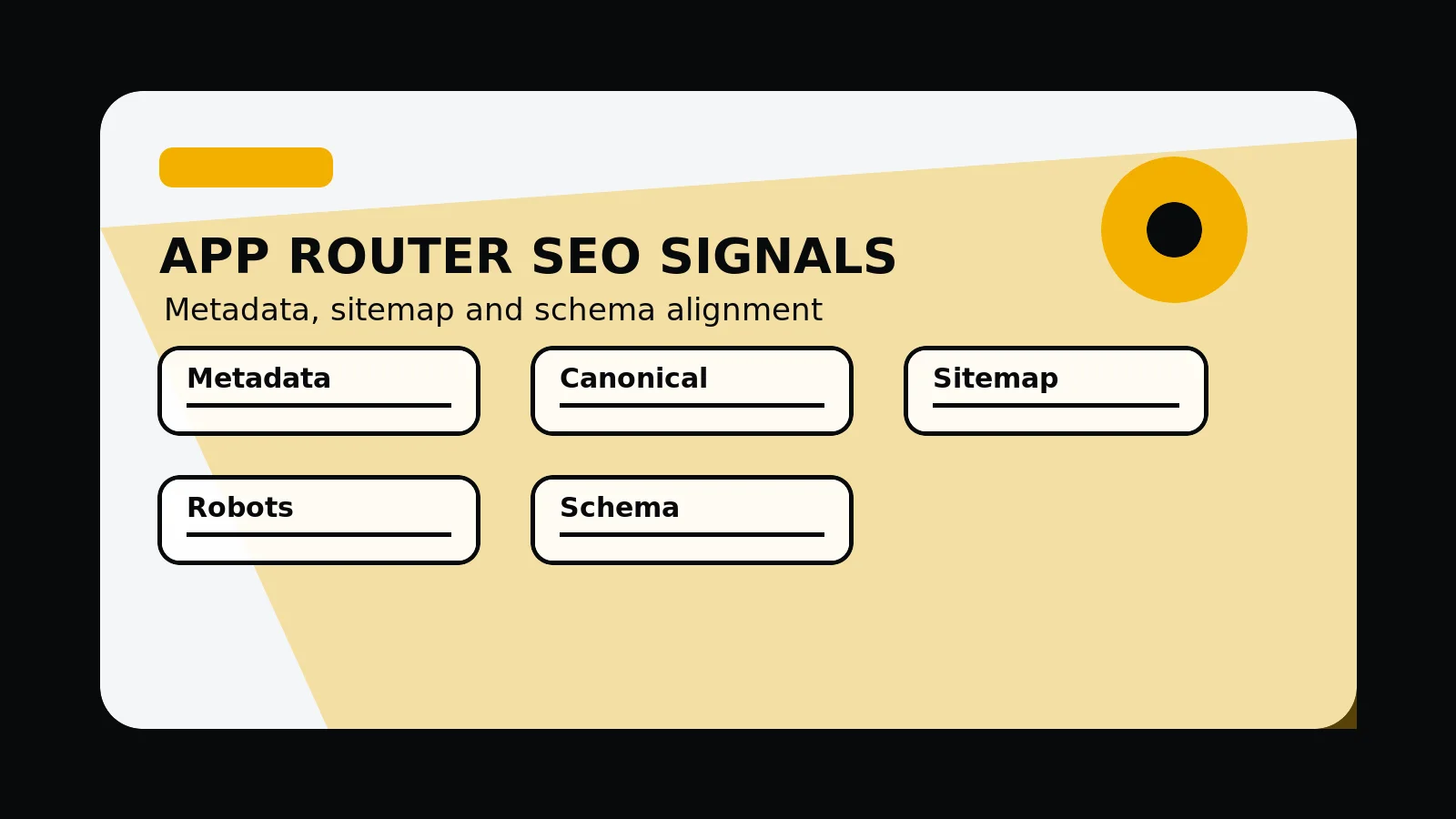
In the Next.js App Router, metadata, sitemap output, robots rules, schema, and server-rendered content should all describe the same page purpose. Route-level SEO works best when these signals come from a consistent content model.
App Router SEO signals need one source of truth
In the App Router, each priority route should have a plain page purpose, unique metadata, a self-canonical, sitemap inclusion where indexable, and structured data that matches visible content.
Metadata, sitemap output, robots rules, schema, and rendered content should all describe the same page purpose for each priority route.
Send a route and we will check whether its metadata, sitemap entry, and schema describe the same page.
Get a 3-point project reviewConnect content model to route output
Use these checks to keep App Router files, helpers, and generated routes aligned as the site grows.
- Generate route metadata from the content model
- Keep canonical URLs stable
- Include only priority indexable pages in the sitemap
- Use robots rules consistently
- Render JSON-LD only for visible supported content
- Check generated routes after build
Route outputs to inspect
Review these generated artefacts after build so canonical URLs, schema, and sitemap entries can be checked together.
- Metadata helper
- Sitemap route
- Robots route
- Schema helper
- Build route output
App Router SEO signal alignment
- Content model: route purpose, title, summary, image, date, and related links are defined.
- Metadata: title, description, canonical, OG image, article tags, and robots match the route.
- Sitemap and robots: public route rules match the canonical page set.
- Schema: WebPage, BlogPosting, FAQ, Service, or Breadcrumb data matches visible content.
- Build output: generated HTML and files are checked before deployment.
Common mistakes to avoid
- Letting metadata, schema, and visible content drift apart.
- Including pages in sitemap output before they have a plain public purpose.
- Adding JSON-LD without stable IDs or visible supporting content.
What 760 Studios would review first
- Metadata helper output
- Sitemap and robots alignment
- Schema tied to visible content
Questions this article answers
What should App Router metadata include?
Use page-specific title, description, canonical URL, Open Graph tags, image alt text, article details where relevant, and robots instructions that match the route status.
How should schema be generated?
Generate schema from visible content and stable route data. Do not mark up FAQs, services, reviews, or supporting detail that users cannot inspect on the page.
Why connect sitemap output to the content model?
It prevents weak or duplicate routes from being exposed accidentally and keeps public canonical URLs aligned with the pages users can evaluate.
What should be checked after build?
Check generated HTML, metadata, canonical URLs, JSON-LD, sitemap XML, robots output, and representative route responses.