Quick answer
Core Web Vitals Checklist For Website Redesigns
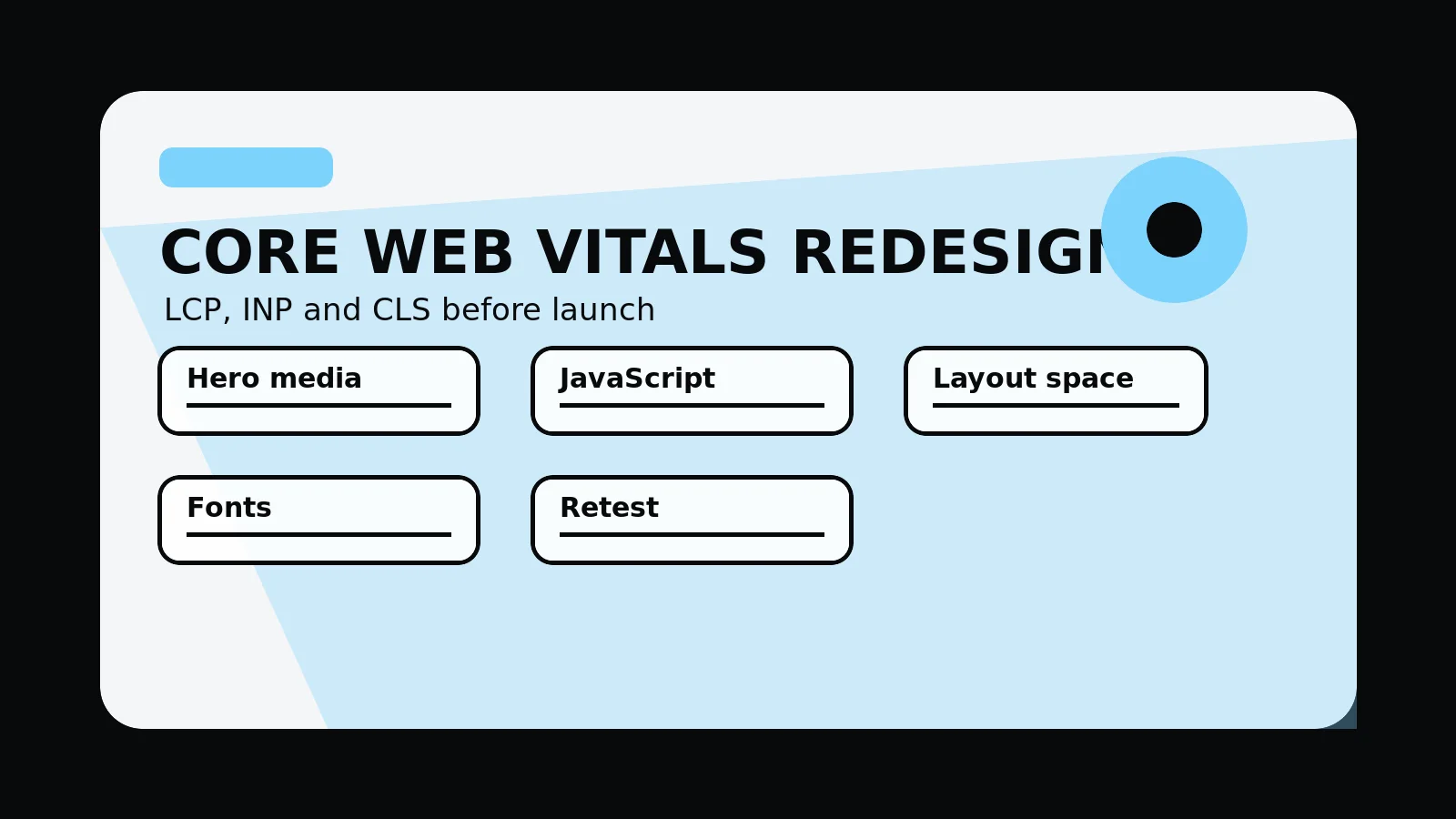
A Core Web Vitals redesign checklist should be used before templates are confirmed, not only after launch. The main checks are LCP media, INP JavaScript cost, CLS layout stability, font loading, third-party scripts, and mobile route testing.
Performance has to be designed in
A redesign can look better structured while becoming slower if media, fonts, animations, scripts, and layout dimensions are not controlled.
Core Web Vitals work is most useful when it sits beside content hierarchy, mobile layout, conversion paths, and technical SEO rather than being treated as a late-stage audit.
- Largest Contentful Paint risk from oversized hero media
- Interaction delay from unnecessary client-side JavaScript
- Layout shift from images, cards, embeds, or forms without reserved space
- Font loading decisions that change page rhythm after render
- Third-party scripts that do not support the buyer journey
Ask us to review the pages with the highest performance impact before your redesign ships.
Get a 3-point project reviewWhat to check before launch
Priority pages should be checked on mobile and desktop before the new site replaces the old one. The goal is not a perfect lab score in isolation; the goal is a fast, stable, useful page that supports clients.
The same review should cover image dimensions, preload priority, page source, metadata, structured data, forms, and navigation.
- Hero image size, priority, alt treatment, and object position
- Reserved card, media, and form dimensions to reduce layout shifts
- Fonts loaded from the app rather than slow external calls
- Only necessary client components and scripts
- Rendered checks for primary conversion routes
How 760 Studios applies it
760 Studios treats performance as part of design execution detail. A high-end site should feel composed, stable, and quick enough that the buyer can focus on the offer.
The practical output is a short fix list tied to priority URLs, not a disconnected report that nobody implements.
Performance-first redesign checklist
- Hero media: confirm size, format, priority, object position, and mobile crop before launch.
- Layout stability: reserve dimensions for cards, images, forms, embeds, and repeated sections.
- JavaScript: keep marketing pages server-rendered unless interaction is genuinely needed.
- Fonts: use app-hosted fonts and avoid late swaps that change visual rhythm.
- QA: check the priority routes in a browser, not only through build output.
Common mistakes to avoid
- Approving a visual concept before checking how the hero image behaves on mobile.
- Adding decorative motion or scripts that do not improve the buyer journey.
- Treating Core Web Vitals as an afterthought after templates are already fixed.
What 760 Studios would review first
- Priority template and media risks
- Layout shift sources
- First technical fixes before launch
Questions this article answers
Which Core Web Vitals matter during a redesign?
The main metrics are LCP for loading, INP for responsiveness, and CLS for layout stability. A redesign should control the template decisions that influence those metrics.
Why can a redesign make Core Web Vitals worse?
New hero media, heavier components, animation, unreserved cards, embeds, script additions, and font changes can make a better structured-looking design slower or less stable.
When should Core Web Vitals be tested?
Test during design review, during frontend build, before launch, and after production release. Waiting until after launch makes page-level causes harder to isolate.
Should visual finish be reduced to improve speed?
Not automatically. The goal is controlled visual finish: right-sized images, reserved dimensions, useful motion, lean JavaScript, and a stable layout that still supports the brand.