Quick answer
Why High-End Web Design Does Not Mean Heavy Or Slow
High-end web design does not need to be heavy or slow. A high-end site should control imagery, typography, JavaScript, layout stability, and motion so the page feels polished, fast, readable, and trustworthy on desktop and mobile.
High-end should feel fast and stable
High-end web design does not need to be slow. It should use controlled imagery, server-rendered content, limited scripts, stable dimensions, and intentional motion.
A high-end presentation loses authority when heavy media, unstable layout, or unnecessary scripts make the page feel slow.
Send the heaviest page and we will identify which visual choices can stay high-end without slowing the site.
Get a 3-point project reviewControl weight without flattening design
Use these checks to keep imagery, motion, typography, and JavaScript intentional instead of letting visual ambition create performance debt.
- Compress and crop images deliberately
- Reserve dimensions for media and cards
- Avoid client-side JavaScript where static HTML works
- Use typography that loads reliably
- Keep animation purposeful
- Review mobile performance before launch
Performance detail to collect
Bring these checks together so visual finish and technical finish are reviewed as one experience, not competing priorities.
- Image inventory
- JavaScript budget
- Layout stability checklist
- Core Web Vitals review
- Mobile performance smoke test
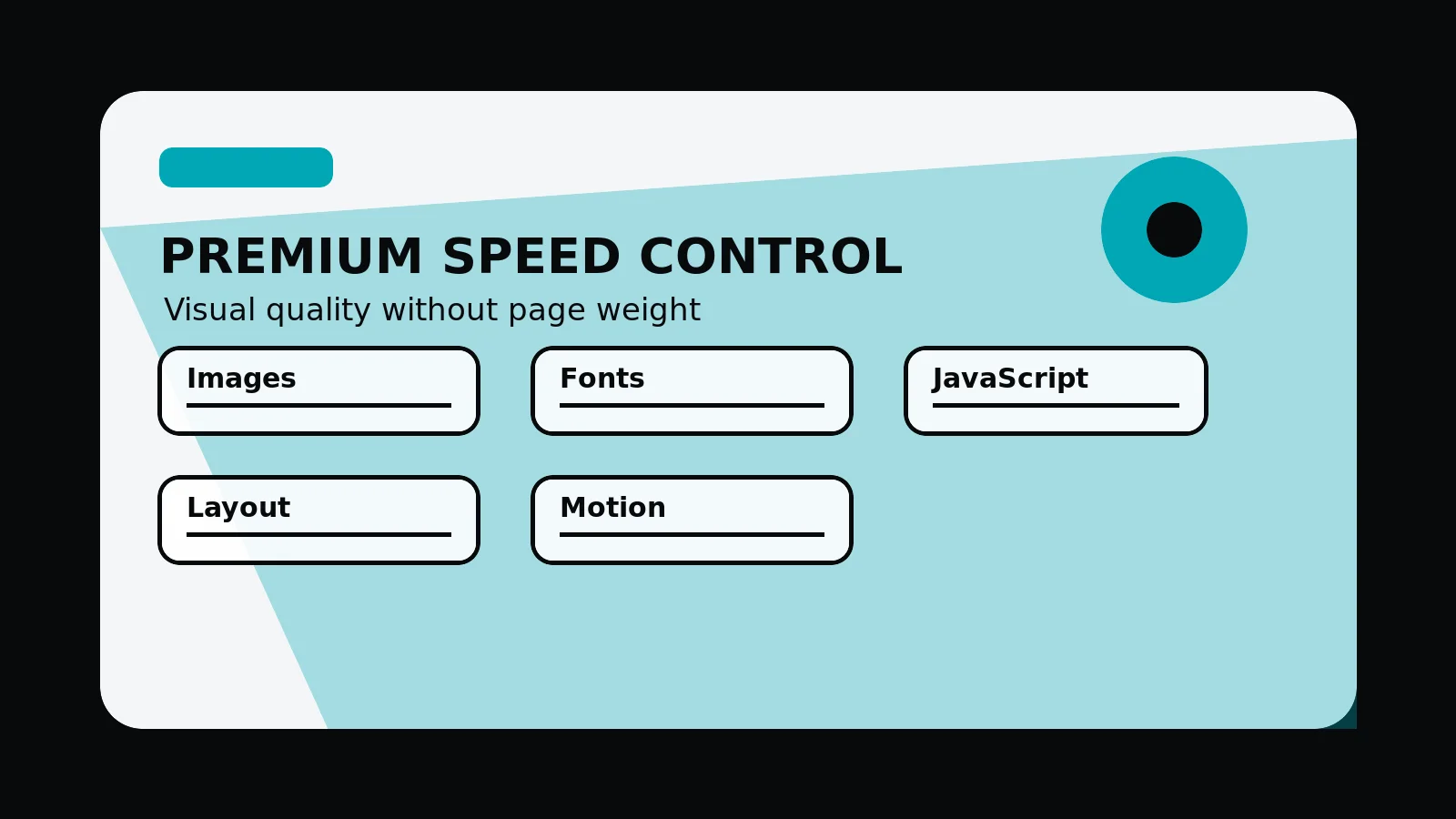
High-end performance controls
- Images: crop, size, compress, and reserve space for important media.
- Typography: use reliable font loading and readable type scales.
- JavaScript: keep static content server-rendered where interaction is not needed.
- Motion: use animation to support attention, not to cover weak structure.
- Testing: review mobile speed, layout stability, and important page interactions before launch.
Common mistakes to avoid
- Treating heavy animation as a sign of execution detail.
- Uploading oversized imagery without planning crops and responsive sizes.
- Adding client-side scripts where static HTML would support the same buyer decision.
What 760 Studios would review first
- Visual elements creating unnecessary weight
- Image and script budget risks
- Mobile performance details before launch
Questions this article answers
Why do high-end websites become slow?
They usually become slow because of oversized images, unnecessary scripts, unplanned animation, late-loading fonts, unstable components, and third-party tools that were added without a budget.
Should a high-end site remove all animation?
No. Animation can help when it supports orientation or emphasis. It becomes a problem when it delays content, distracts from the offer, or adds weight without purpose.
What should be measured before launch?
Measure priority page speed, layout stability, image weight, script weight, form usability, and whether the mobile experience still feels composed.
Can strong imagery and speed work together?
Yes. Use purposeful art direction, responsive sizes, compression, reserved dimensions, and limited media count so imagery supports the brand without overwhelming the page.