Quick answer
How To Map Keywords To Website Pages
Map keywords to website pages by intent. Commercial service queries need buyer or service pages, informational queries need useful guides, supporting detail queries need work or detail pages, and market queries need accurate location pages only when they add distinct value.
Keyword mapping assigns one job per intent
Map keywords to pages by intent: commercial buyer queries to buyer pages, service queries to service pages, informational queries to blog guides, supporting detail queries to work pages, and market queries to governed location pages.
The map should decide which buyer question deserves a service page, article, supporting detail page, location page, or merged route before more content is written.
Send a keyword list and we will map which intents need service, article, supporting detail, location, or merged pages.
Get a 3-point project reviewGroup terms by buyer decision
Use these mapping rules to avoid overlap and make sure every search intent has a plain page owner.
- Group keywords by buyer intent
- Assign one owner page per commercial intent
- Merge thin or overlapping intents
- Use blog posts for frameworks and direct answers
- Use work pages for detail
- Use location pages only for accurate market coverage
Inputs for the keyword map
Prepare these materials before publishing so internal links, sitemap inclusion, and page depth match the actual intent.
- Intent-to-page map
- Cannibalisation review
- Internal link map
- Sitemap inclusion list
- unpublished list for support pages
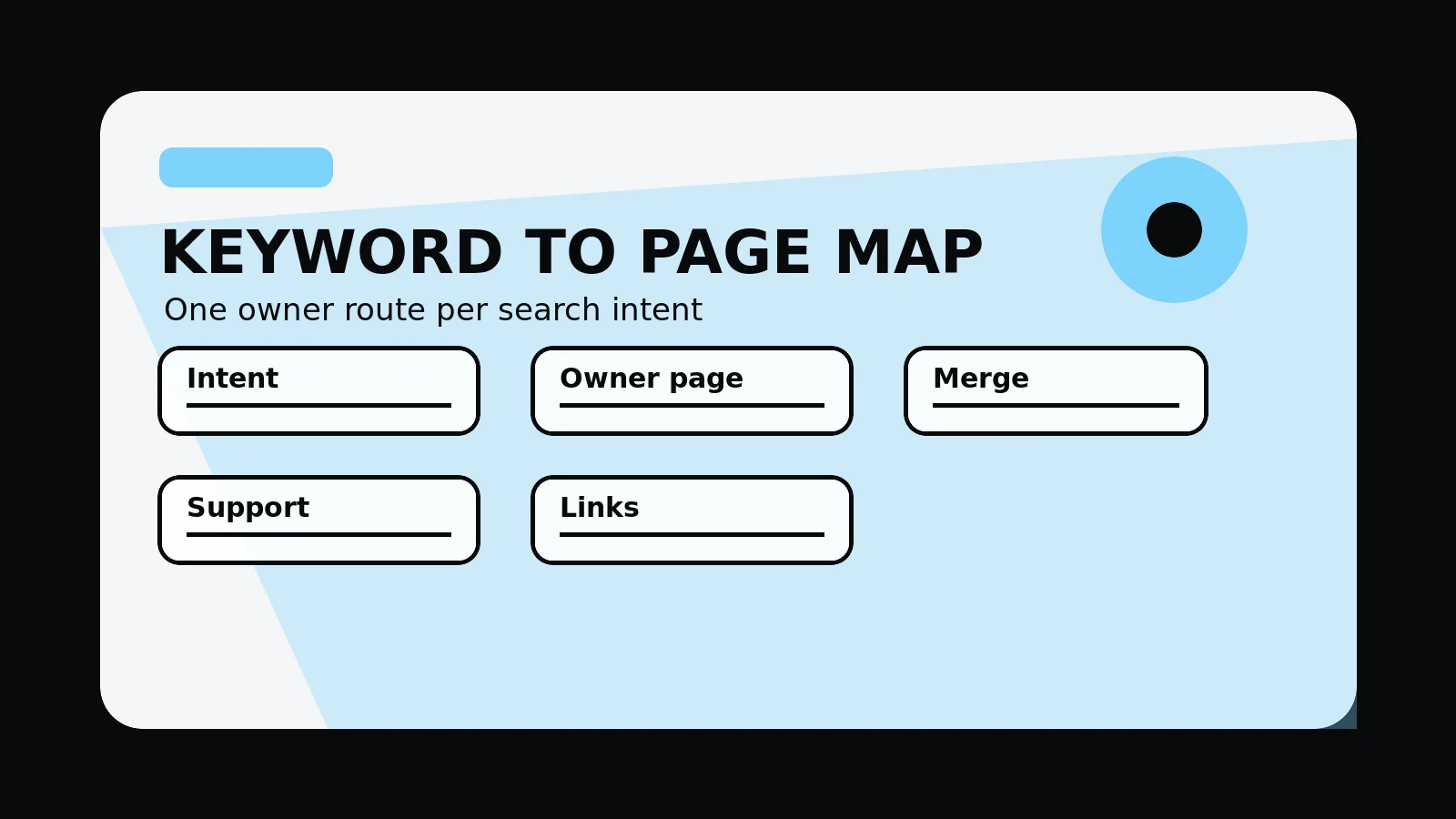
Keyword-to-page map
- Intent: group terms by buyer problem, page type, and journey stage.
- Owner page: assign one primary route for each important commercial intent.
- Merge: combine overlapping intents before creating more thin pages.
- Support: use articles for frameworks, supporting detail pages for detail, and location pages only where context is useful.
- Links: connect owner pages, supporting guides, supporting detail, pricing, and contact routes.
Common mistakes to avoid
- Creating one page per keyword variation.
- Letting several pages compete for the same commercial intent.
- Publishing support pages before they have enough depth or a plain internal-link role.
What 760 Studios would review first
- Intent groups and owner pages
- Cannibalisation risks
- Internal links between commercial and support pages
Questions this article answers
What is keyword mapping?
Keyword mapping is the process of assigning search intents to the right page type so each important query has a plain owner route.
How do you avoid keyword cannibalisation?
Assign one primary page to each important intent, merge overlapping pages, and use internal links to make the preferred route plain.
Should every keyword get its own page?
No. Many keyword variations belong on the same page. Create separate pages only when the intent, buyer question, and content depth are distinct.
How should blog posts support service pages?
Blog posts should answer supporting questions and link back to the relevant service, supporting detail, pricing, or contact route.