Quick answer
High-End Website Design QA Checklist
A high-end website QA pass should check clarity, typography, spacing, imagery, supporting detail placement, CTAs, forms, mobile detail, accessibility basics, performance, metadata, schema, and browser behaviour before the site goes live.
High-end QA checks the details buyers feel
A high-end website QA pass should check offer detail, type consistency, spacing, imagery, supporting detail visibility, CTA detail, mobile layouts, accessibility basics, and performance.
The execution detail pass should look beyond broken links and review whether typography, spacing, supporting detail, mobile states, and CTAs feel deliberate.
Send screenshots or a staging URL and we will identify the high-end QA issues to fix before release.
Get a 3-point project reviewReview execution detail by experience layer
Use these layers to find the small issues that make a high-end site feel unfinished even when the main layout looks strong.
- Can a buyer understand the offer in five seconds?
- Are headings and paragraphs readable?
- Do images support the service and brand?
- Is supporting detail visible before contact?
- Are CTAs plain but not aggressive?
- Does mobile feel fully designed?
- Are pages fast and stable enough?
QA detail before launch
Capture these artefacts before release so final sign-off is based on visible behaviour across pages and devices.
- QA checklist
- Desktop and mobile screenshots
- supporting detail placement review
- Accessibility smoke test
- Performance and image checks
High-end design QA layers
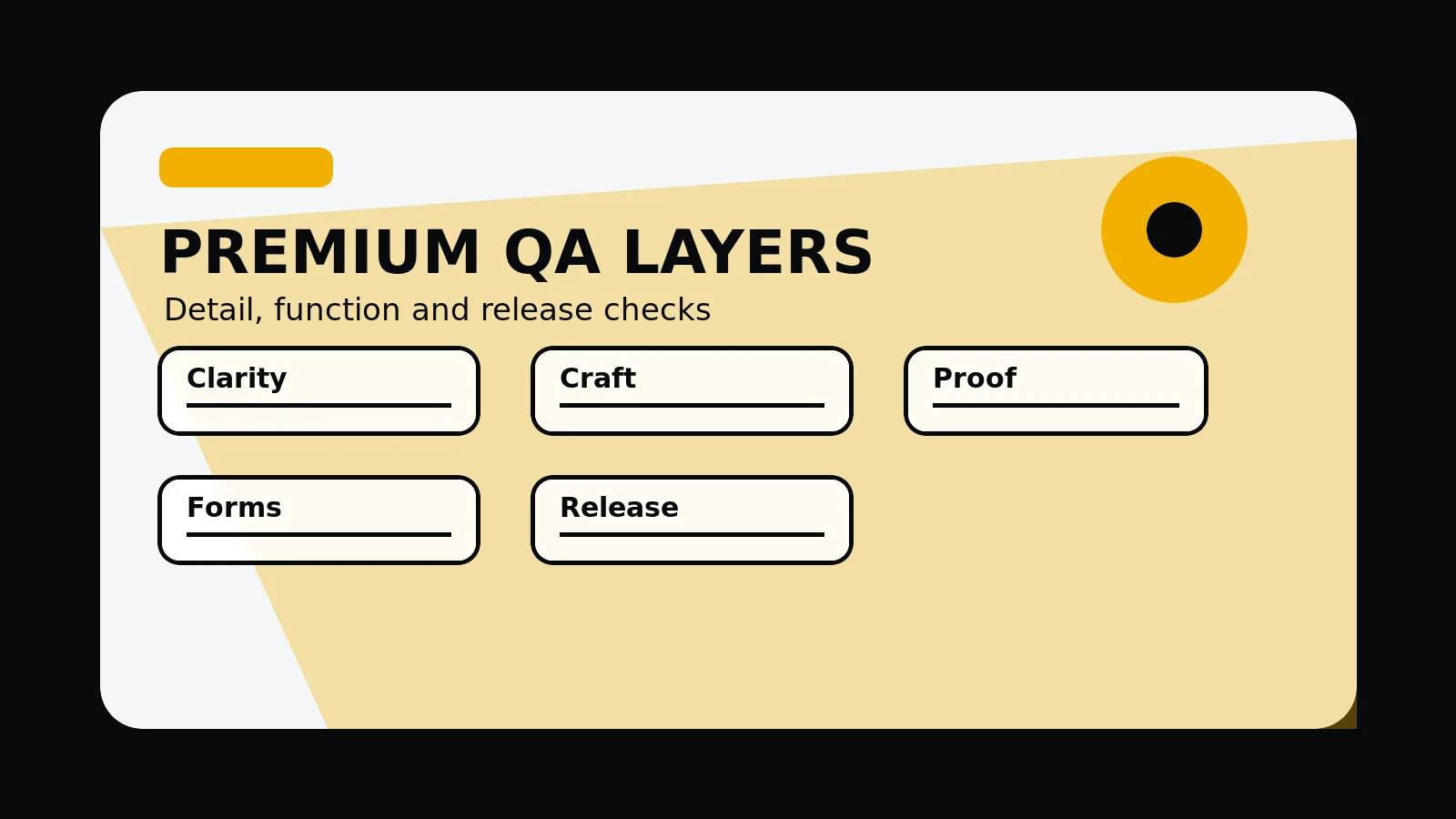
- Clarity: first-screen offer, audience, and next route are obvious.
- Craft: typography, spacing, imagery, sections, and component states feel consistent.
- supporting detail: trust signals appear near important buyer decisions.
- Function: forms, links, buttons, menus, and responsive states work without friction.
- Release: metadata, schema, speed, accessibility basics, and browser checks are complete.
Common mistakes to avoid
- Checking only desktop screenshots.
- Treating QA as a bug pass instead of a buyer-experience review.
- Approving pages before supporting detail, forms, metadata, and mobile states have been checked.
What 760 Studios would review first
- High-end details that feel unfinished
- Mobile and form QA issues
- Release checks before production
Questions this article answers
What makes high-end QA different from normal QA?
High-end QA checks whether the site feels credible and composed, not only whether it works. It reviews detail, supporting detail, mobile execution detail, and performance together.
Which pages should be QA checked first?
Check the homepage, priority service pages, supporting detail pages, pricing or engagement routes, contact forms, and any article or landing page used in search or campaigns.
What should be checked on forms?
Check labels, required states, validation, error messages, confirmation, email delivery, spam handling, privacy wording, and analytics events.
When should QA start?
QA should start during design and continue through build, staging, launch, and post-launch review. Waiting until the final day leaves too many execution detail decisions compressed.