Quick answer
Vercel Deployment QA Checklist For Business Websites
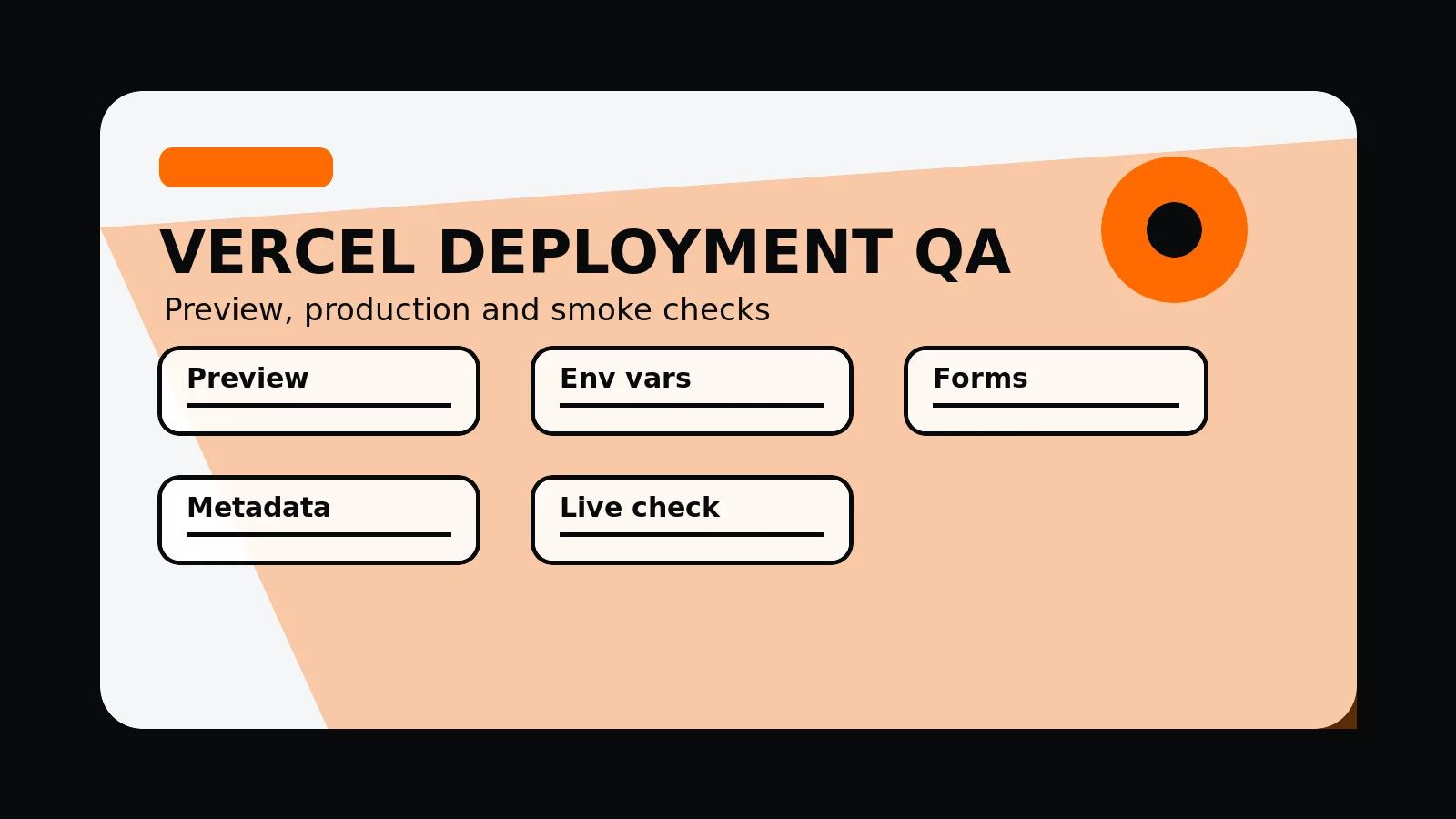
A Vercel deployment QA pass should check preview URLs, environment variables, forms, analytics, metadata, sitemap, robots, redirects, images, mobile layouts, canonical host behaviour, production route health, and post-deploy smoke tests.
Deployment QA protects the production experience
A Vercel deployment QA pass should check preview URLs, environment variables, forms, analytics, metadata, sitemap, robots, redirects, images, mobile layouts, and production route health.
A preview build is only useful when the team checks the routes, forms, metadata, and environment-sensitive behaviour before promotion.
Send the latest preview URL and we will identify the production risks to check before merge.
Get a 3-point project reviewCheck preview, merge and production separately
Use these deployment checks to catch configuration, content, and route problems before they reach the public site.
- Confirm environment variables and delivery integrations
- Review preview routes before merge
- Check forms and contact paths
- Inspect metadata, sitemap, robots, and schema
- Run mobile and desktop browser smoke checks
- Verify production after deployment
Deployment detail to keep
Record these items so launch review is tied to the preview, production deployment, and post-deploy smoke test.
- Preview URL checklist
- Environment variable list
- Form delivery test
- Route health report
- Post-deploy smoke test
Vercel deployment QA steps
- Preview: priority pages, forms, metadata, sitemap, robots, redirects, and images work before merge.
- Environment: keys, form delivery, analytics, and integrations match the target environment.
- Production: canonical host, redirects, important routes, images, and contact paths are smoke tested.
- Monitoring: Search Console, analytics, form inbox, and error reports are checked after release.
- Rollback: deployment URL and merge commit are known if a release needs investigation.
Common mistakes to avoid
- Treating a successful build as a complete QA pass.
- Testing only the homepage before production.
- Forgetting to recheck forms and canonical host after deployment.
What 760 Studios would review first
- Preview route coverage
- Environment-sensitive checks
- Post-deploy smoke test gaps
Questions this article answers
What should be checked on a Vercel preview deployment?
Check priority pages, forms, metadata, schema, sitemap, robots, redirects, images, mobile layout, and any route affected by the change.
Why test production after a successful preview?
Production can differ by domain, environment variables, caching, aliases, redirects, analytics, and form delivery, so a live smoke test is still needed.
Which routes should be smoke tested?
Smoke test homepage, service routes, pricing or contact routes, changed pages, sitemap, robots, and at least one representative image or asset.
What deployment details should be recorded?
Record the deployment URL, deployment ID, merge commit, checks run, production aliases, and any post-deploy findings.