Quick answer
Next.js SEO Checklist For Marketing Websites
A Next.js SEO checklist for marketing websites should verify rendered content, unique metadata, canonical URLs, Open Graph, sitemap and robots output, structured data, internal links, images, redirects, forms, and browser behaviour on priority routes.
Next.js SEO depends on route-level signals
A Next.js SEO checklist should cover server-rendered content, unique metadata, canonical URLs, Open Graph, sitemap, robots, schema that matches visible content, internal links, and route QA.
The framework gives strong tools, but each public route still needs rendered content, metadata, canonicals, structured data, links, and QA.
Send a staging route and we will check the rendered SEO signals before production.
Get a 3-point project reviewAudit the routes, not only the framework
Use these checks to confirm every priority route sends a plain search signal and supports the visible page purpose.
- Use route metadata or metadata helpers
- Create self-canonicals for priority routes
- Generate sitemap and robots routes
- Render important copy and links in HTML
- Use FAQ schema only with visible FAQs
- Run route and browser checks before launch
Outputs to inspect before launch
Collect these outputs so SEO review is based on generated HTML and files rather than assumptions about the code.
- Metadata map
- Sitemap output
- Structured data inspection
- Rendered HTML spot check
- Playwright route checks
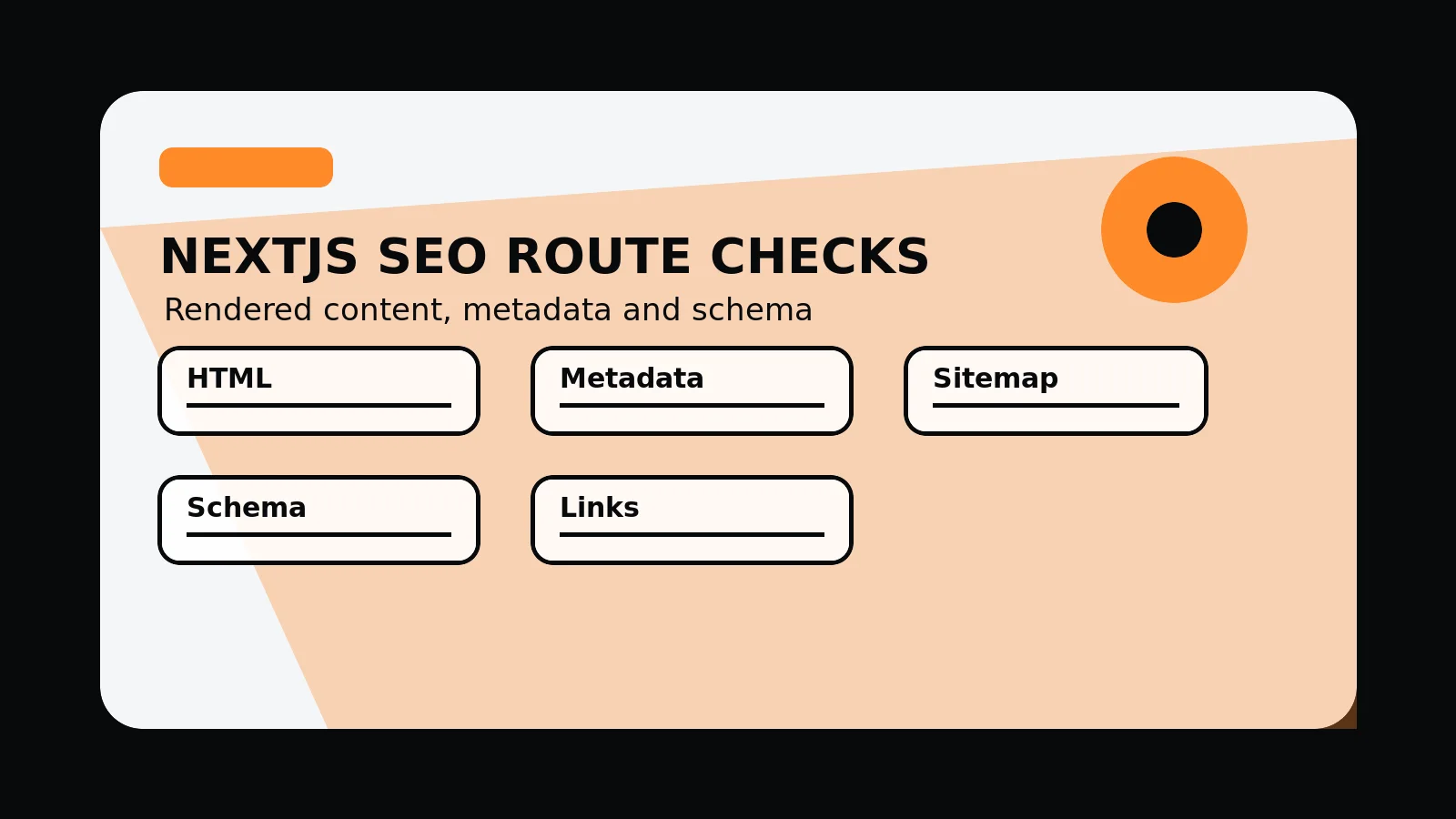
Next.js SEO route checks
- Rendered HTML: important copy, headings, links, and answers are present without interaction.
- Metadata: title, description, canonical, Open Graph, and image alt are route-specific.
- Files: sitemap and robots routes match the intended public page set.
- Schema: JSON-LD matches visible content and uses stable identifiers.
- QA: browser checks confirm links, forms, images, redirects, and mobile layout.
Common mistakes to avoid
- Assuming the framework creates SEO execution detail automatically.
- Adding schema that does not match visible page content.
- Publishing routes before checking generated HTML and sitemap output.
What 760 Studios would review first
- Rendered route signals
- Metadata and schema alignment
- Sitemap and internal-link gaps
Questions this article answers
Does Next.js automatically handle SEO?
No. Next.js provides tools, but the site still needs page-specific content, metadata, canonicals, sitemap output, schema, internal links, and QA.
What should be checked in rendered HTML?
Check that important copy, headings, links, FAQs, schema references, and images are present in the generated page response.
When should sitemap output be checked?
Check sitemap output before launch, after adding routes, and after any change to page status, canonical strategy, or content architecture.
Why does internal linking matter in Next.js SEO?
Internal links help buyers and crawlers understand relationships between services, supporting detail, pricing, guides, locations, and contact routes.