Quick answer
URL Inventory: Keep, Improve, Merge, Redirect Or Remove
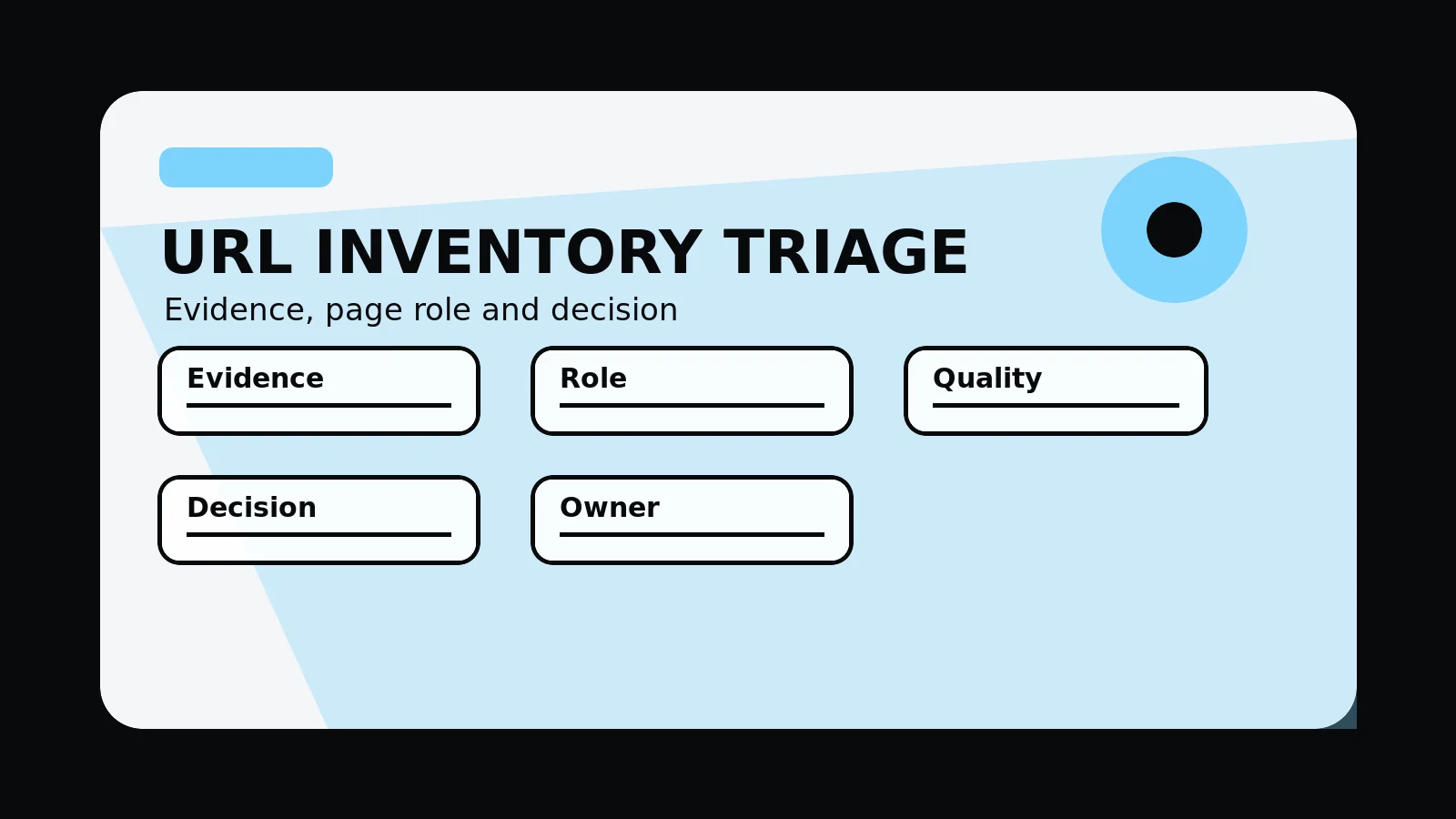
A URL inventory is the redesign diagnosis table. It records each page's role, search detail, execution detail, owner, and lifecycle decision so the new website structure is based on known value rather than assumptions.
The inventory diagnoses the existing site
Use a URL inventory to audit the existing site before design decisions are made. Record each page's business role, search detail, content usefulness, supporting detail value, technical status, owner, and lifecycle decision so the new site is planned from detail instead of guesswork.
It is not a redirect sheet. It is the detail layer that explains which pages have value, which pages cause drag, and who owns the decision.
Send a crawl export and analytics snapshot and we will shape the URL inventory columns and decision rules.
Get a 3-point project reviewScore pages before choosing their future
Use these inventory fields to separate business value, search detail, content usefulness, and ownership before planning the replacement structure.
- Capture every indexable, linked, campaign, document, and orphaned page in one table
- Add detail columns for visits, queries, backlinks, conversions, freshness, and stakeholder importance
- Assign a page role such as service, supporting detail, support article, policy, location, campaign, or legacy asset
- Choose a lifecycle action: retain, upgrade, consolidate, retire, or watch after launch
- Give every priority row an owner, due date, content source, and QA note
detail for URL triage
Gather these inputs before writing new pages so the redesign starts with known assets, known gaps, and accountable page decisions.
- Full crawl and sitemap export
- Analytics and query snapshots
- Backlink and campaign references
- Content owner list
- Lifecycle decision table
URL inventory triage model
- Coverage: include indexable pages, linked pages, campaign URLs, legacy documents, and orphaned routes.
- detail: add visits, queries, backlinks, conversions, freshness, owner, and business importance.
- Role: label service, supporting detail, support article, policy, location, campaign, or legacy asset.
- Decision: retain, upgrade, consolidate, retire, or watch after launch.
- Ownership: assign content source, decision owner, due date, QA note, and destination hint where needed.
Common mistakes to avoid
- Treating the inventory as only a list of URLs.
- Making page decisions without search, business, and content-execution detail detail.
- Letting rows stay ownerless until launch week.
What 760 Studios would review first
- Missing detail columns
- Pages with unclear business role
- Ownerless or unresolved inventory decisions
Questions this article answers
What is the purpose of a URL inventory?
It helps the team understand what the current site contains, which pages have value, which pages are weak, and which decisions must be made before redesign build.
What detail belongs in the inventory?
Include crawl status, sitemap status, traffic, search queries, backlinks, conversions, campaign use, freshness, content owner, and business importance.
How is a URL inventory different from a redirect map?
The inventory is the diagnosis and decision table. The redirect map is the implementation handoff for old paths that need routing rules.
Who should own URL inventory decisions?
Assign owners from marketing, sales, product, compliance, or leadership depending on why the page exists and what detail is needed.