Quick answer
What Should A Company Website Include?
A company website should include a plain homepage, service pages, supporting detail or work, about content, process, pricing or engagement cues, FAQs, contact routes, SEO foundations, mobile execution detail, and enough detail for buyers to understand fit before making contact.
A company website needs the buyer basics
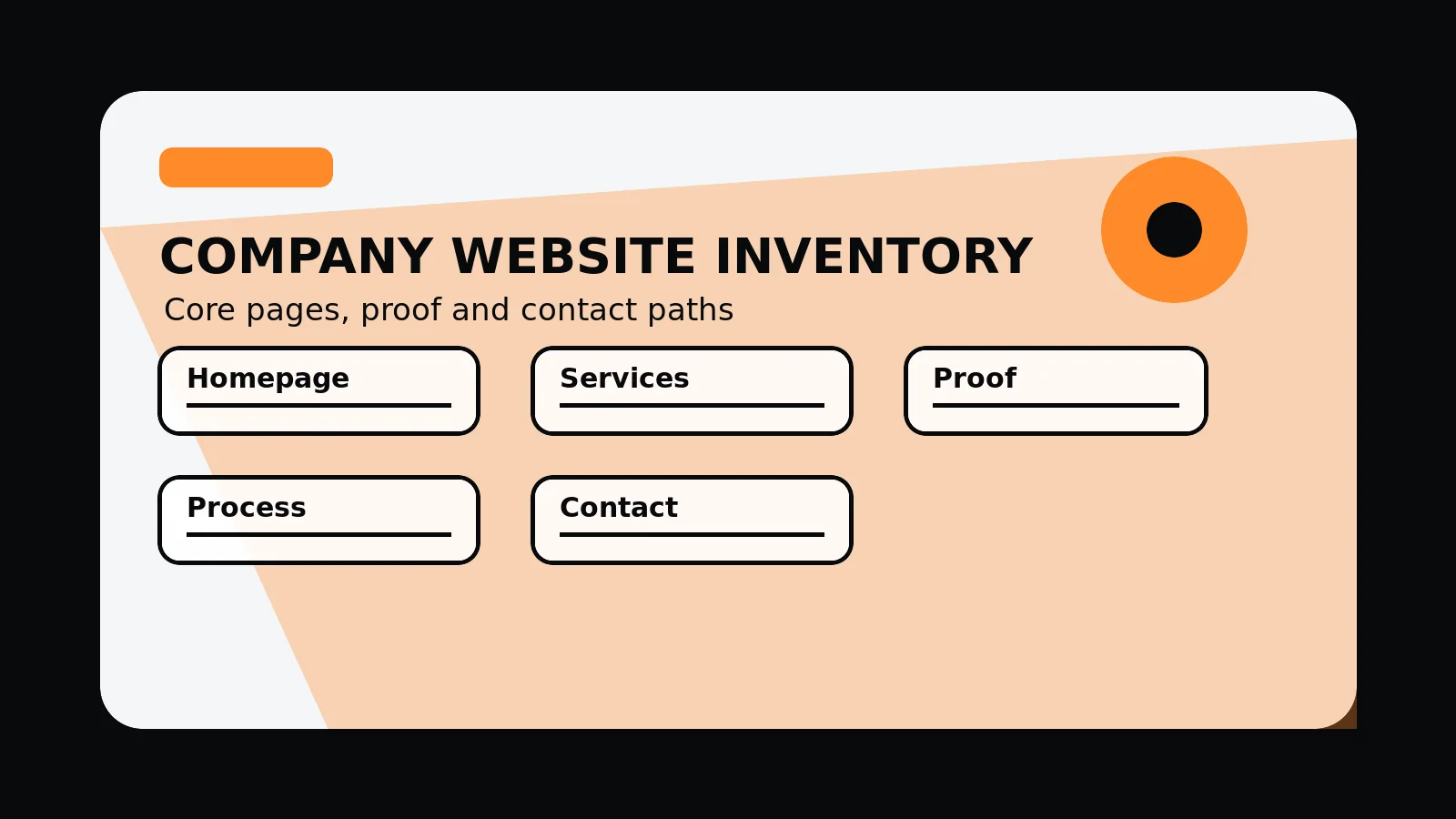
A committed company website should include a plain homepage, service pages, supporting detail or work, about, process, pricing or engagement signals, FAQs, contact route, SEO foundations, and mobile-friendly layouts.
The page set should make the business easy to understand, evaluate, trust, and contact without forcing buyers to hunt for essential information.
Send the current sitemap and we will mark which company-website basics are missing, weak, or duplicated.
Get a 3-point project reviewCheck the core content set
Use this list to decide which pages explain the company and which content gaps are weakening trust or enquiry fit.
- Homepage with offer, audience, supporting detail, and primary routes
- Service pages with problems, scope, deliverables, FAQs, and CTAs
- About page that explains credibility and fit
- supporting detail, work, or method detail
- Pricing or engagement route
- Contact, project brief, and privacy-aware form copy
Material to gather before restructuring
Bring these inputs together before rewriting the site so the structure reflects actual services, supporting detail, and ownership.
- Company sitemap
- Service hierarchy
- supporting detail inventory
- Content owner list
- Launch QA checklist
Company website content inventory
- Orientation: homepage, offer, audience, service categories, and primary route.
- Evaluation: service pages, supporting detail, case studies, method, pricing signals, and FAQs.
- Credibility: about content, team or founder context, policies, contact details, and trust cues.
- Conversion: project brief, contact form, phone or email route, privacy notice, and confirmation state.
- Search: metadata, schema, sitemap, internal links, image alt text, and mobile-friendly content.
Common mistakes to avoid
- Building a company website around internal departments rather than buyer questions.
- Hiding supporting detail, process, pricing signals, or contact routes behind vague marketing copy.
- Adding many pages before the core service and supporting detail pages are plain.
What 760 Studios would review first
- Core page gaps
- supporting detail and contact friction
- Which pages should be merged, rewritten, or added
Questions this article answers
Which pages does a company website usually need first?
Start with homepage, services, individual service pages, supporting detail or work, about, process, pricing or engagement route, FAQs, contact, privacy, and any priority sector or location pages that have genuine value.
What should a homepage not try to do?
The homepage should not contain every detail. It should orient the buyer, prove enough, and route them to service, supporting detail, process, pricing, or contact pages.
How much supporting detail should a company website show?
Show supporting detail that is accurate and useful: work examples, method detail, testimonials, screenshots, credentials, process artefacts, or explain limits where supporting detail cannot be public.
What should be checked on mobile?
Check first-screen clarity, navigation, service links, supporting detail visibility, form usability, tap targets, page speed, image fit, and whether text stays readable.