Quick answer
When To Move From A Template Website To A Custom Website
Move from a template website to a custom website when the business needs easier to understand positioning, scalable page architecture, better structured supporting detail, better SEO control, custom components, improved performance, or a more credible brand experience than the template can support.
Move when the template blocks the business
Move from template to custom when the offer is too specific for generic sections, the business needs better structured supporting detail, the page architecture needs to scale, or SEO and conversion routes need more control.
The decision is not about novelty. Custom becomes useful when the current structure prevents the site from explaining, proving, scaling, or performing properly.
Send the template site and the next commercial goal and we will identify whether custom structure is justified.
Get a 3-point project reviewLook for constraint signals
Use these signals to decide whether the problem is content usefulness, template limitation, technical control, or a genuine rebuild case.
- The homepage no longer explains the offer quickly
- Services need separate pages and supporting detail modules
- The design weakens high-end or professional trust
- SEO needs metadata, schema, sitemap, and internal-link control
- Integrations, forms, or content workflows need easier to understand planning
detail before replacing the template
Collect these inputs before committing to custom work so the rebuild protects useful assets and solves the right constraints.
- Template limitation list
- New sitemap
- Service-page brief
- supporting detail and content inventory
- Migration and launch checklist
Template-to-custom decision signals
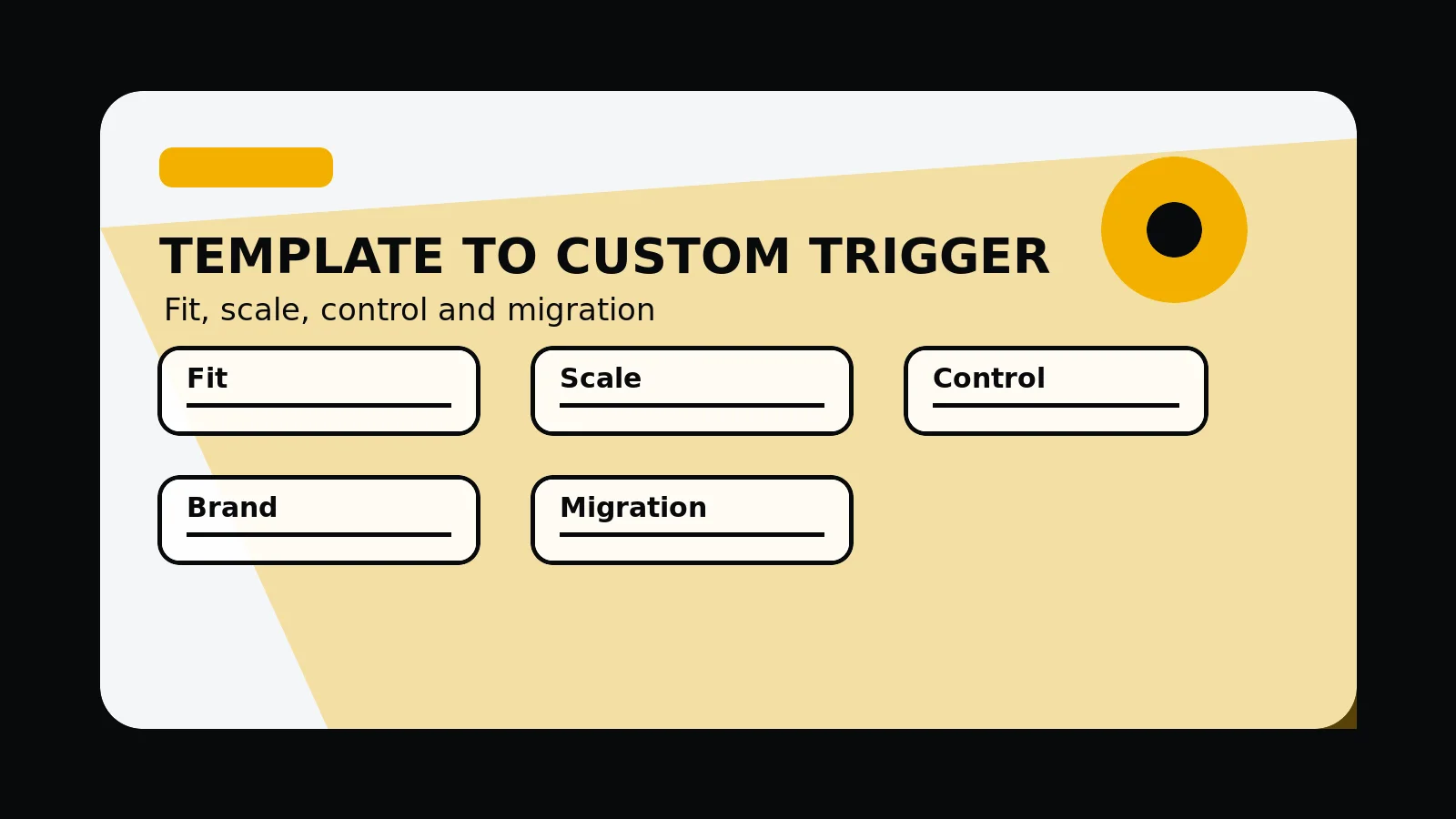
- Offer fit: whether template sections can explain the actual service, audience, and supporting detail.
- Scale: service pages, content hubs, locations, case studies, campaigns, and future page types.
- Control: metadata, schema, performance, accessibility, forms, analytics, and deployment execution detail.
- Brand: typography, spacing, imagery, interaction, and trust signals that support the market.
- Migration: URLs, redirects, content inventory, search value, and launch timing.
Common mistakes to avoid
- Rebuilding custom purely for novelty while the offer and supporting detail remain unclear.
- Staying on a template after it blocks page architecture, SEO control, or buyer trust.
- Changing platform without protecting URLs, metadata, analytics, and existing content value.
What 760 Studios would review first
- Template limitations that matter now
- Custom scope that would justify the move
- Migration risks before rebuilding
Questions this article answers
When is a template website still the right choice?
A template can still be right when the offer is simple, page count is low, content is light, design expectations are modest, and the site does not need complex SEO or integrations.
What are the signs a template is limiting growth?
Signs include unclear service pages, weak supporting detail presentation, poor mobile polish, slow pages, metadata limitations, awkward forms, hard-to-edit layouts, and repeated content sections.
Should a custom rebuild protect existing SEO?
Yes. A custom rebuild should preserve useful URLs where possible, map redirects, keep valuable content, rebuild metadata, update sitemap output, and retest after launch.
Does custom always mean more complicated?
No. A good custom site can be simpler for users and owners because the structure, components, content model, and editing route match the business.